Custom AI Model
How to build your own AI model tailored to your brand style.
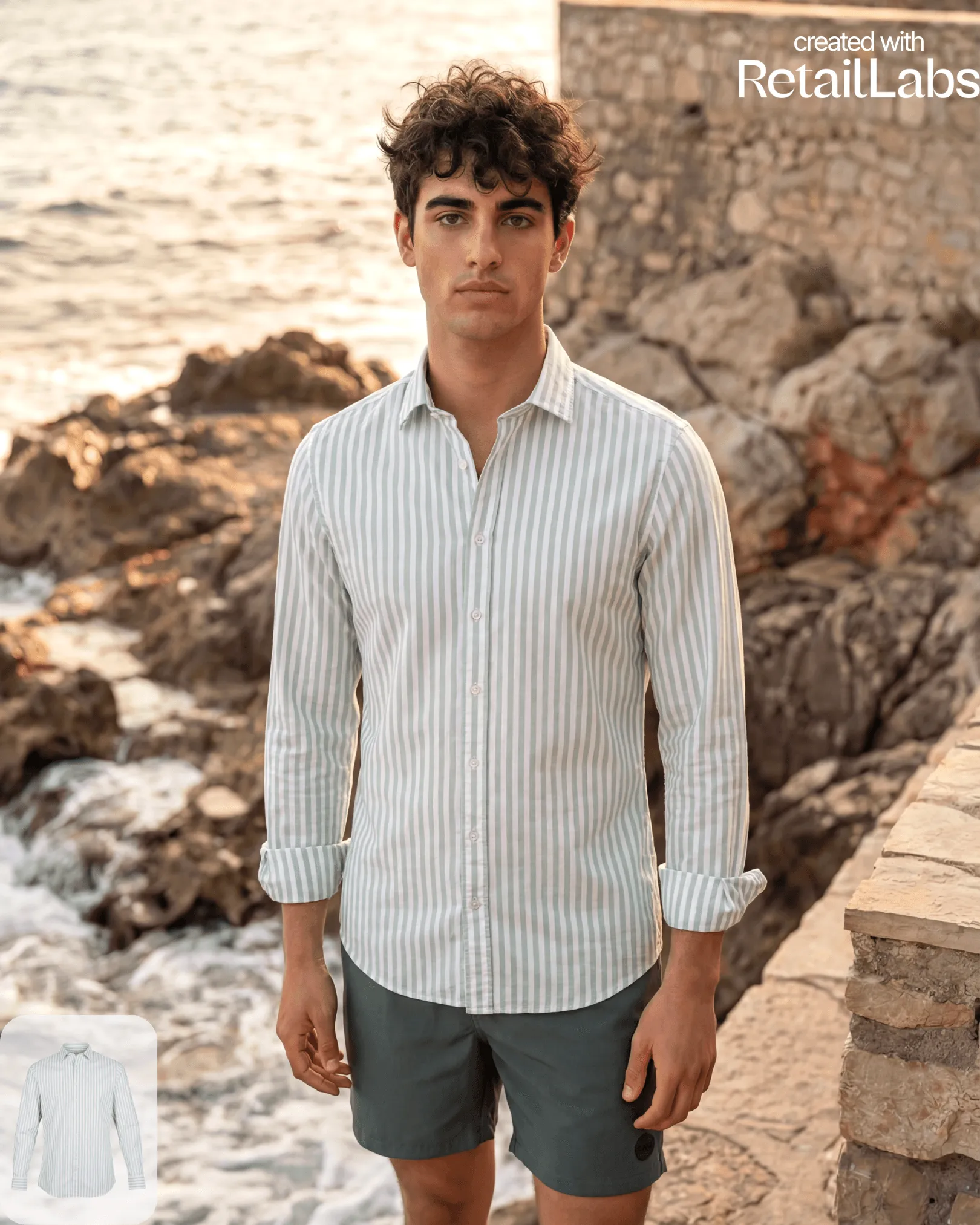
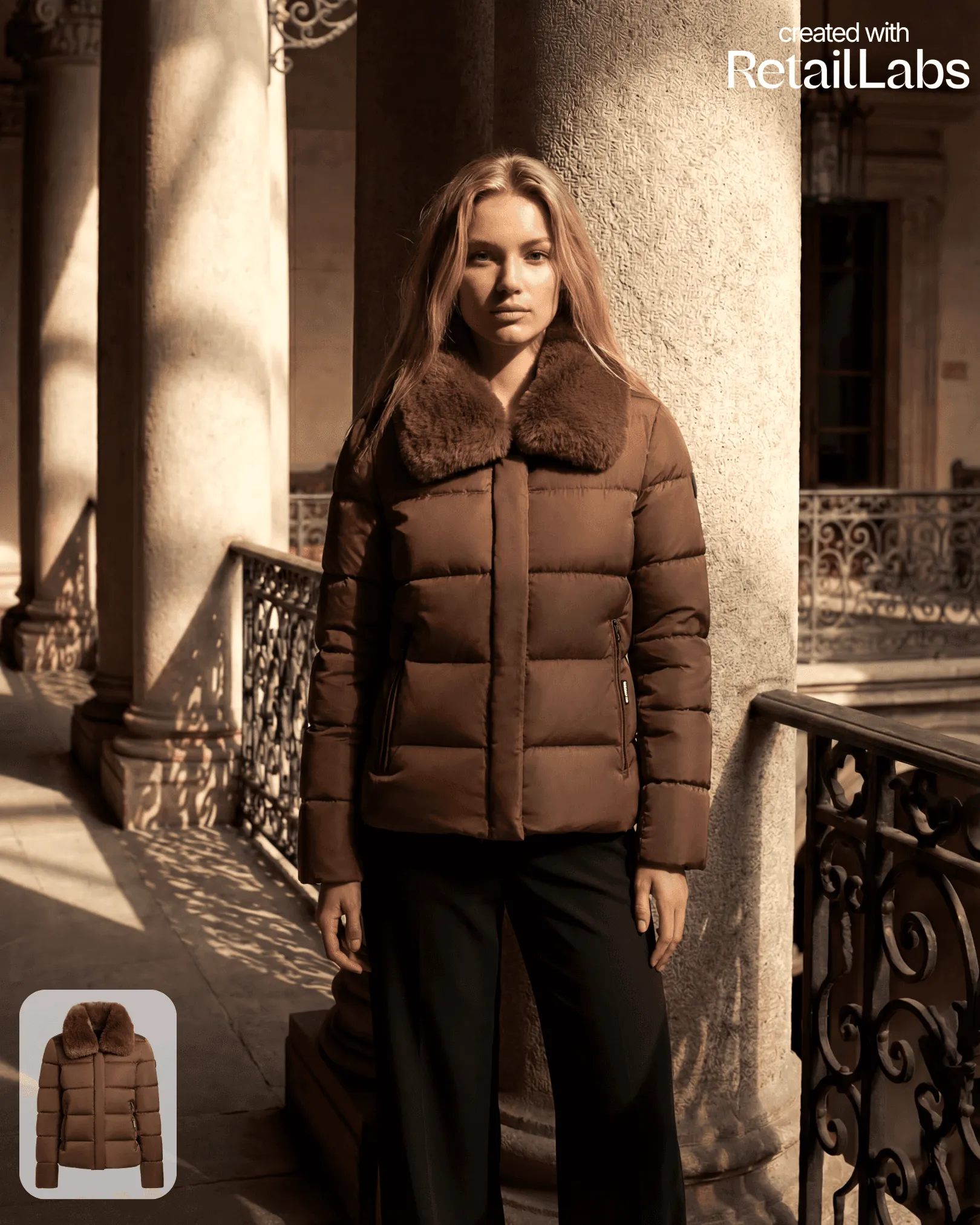
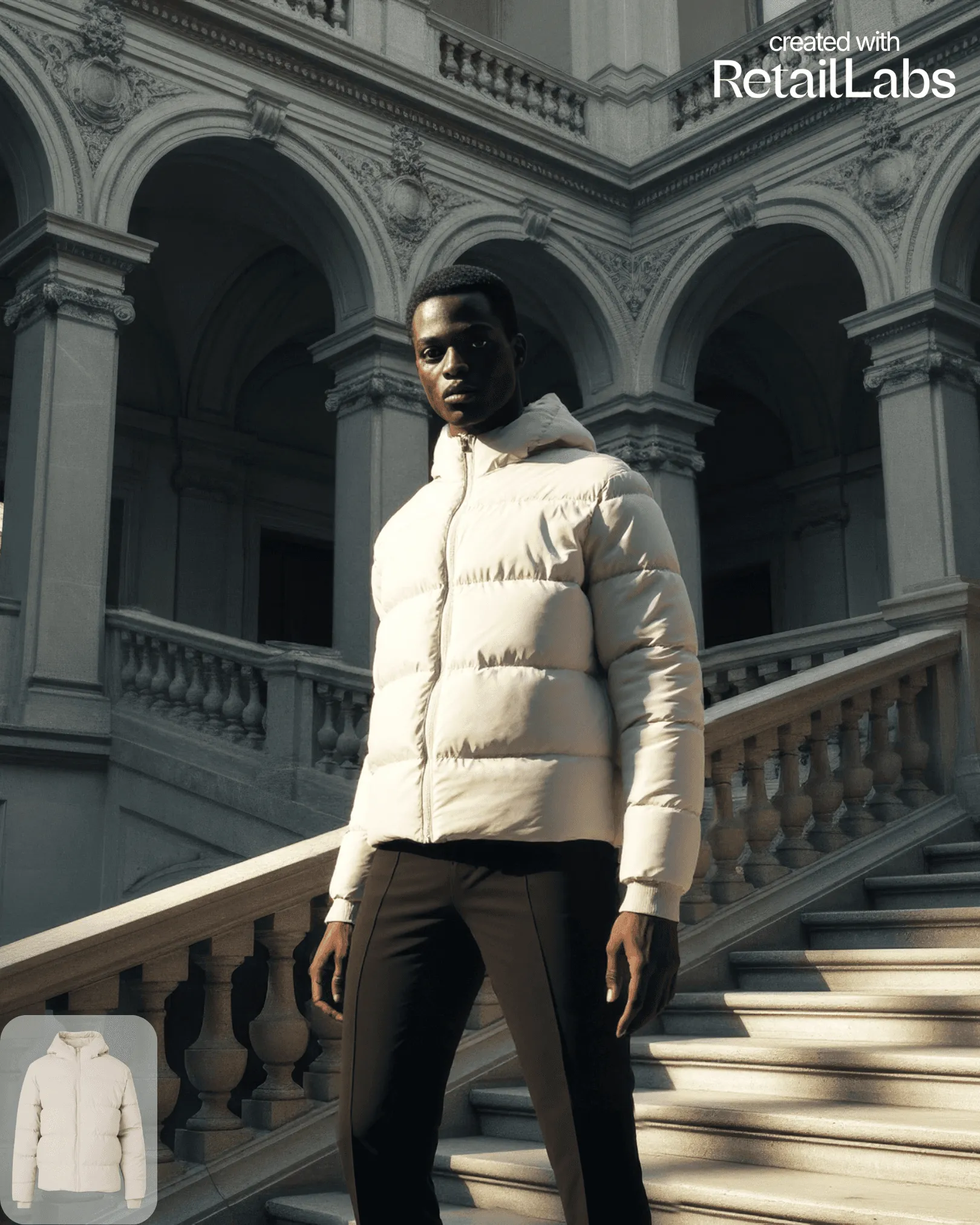
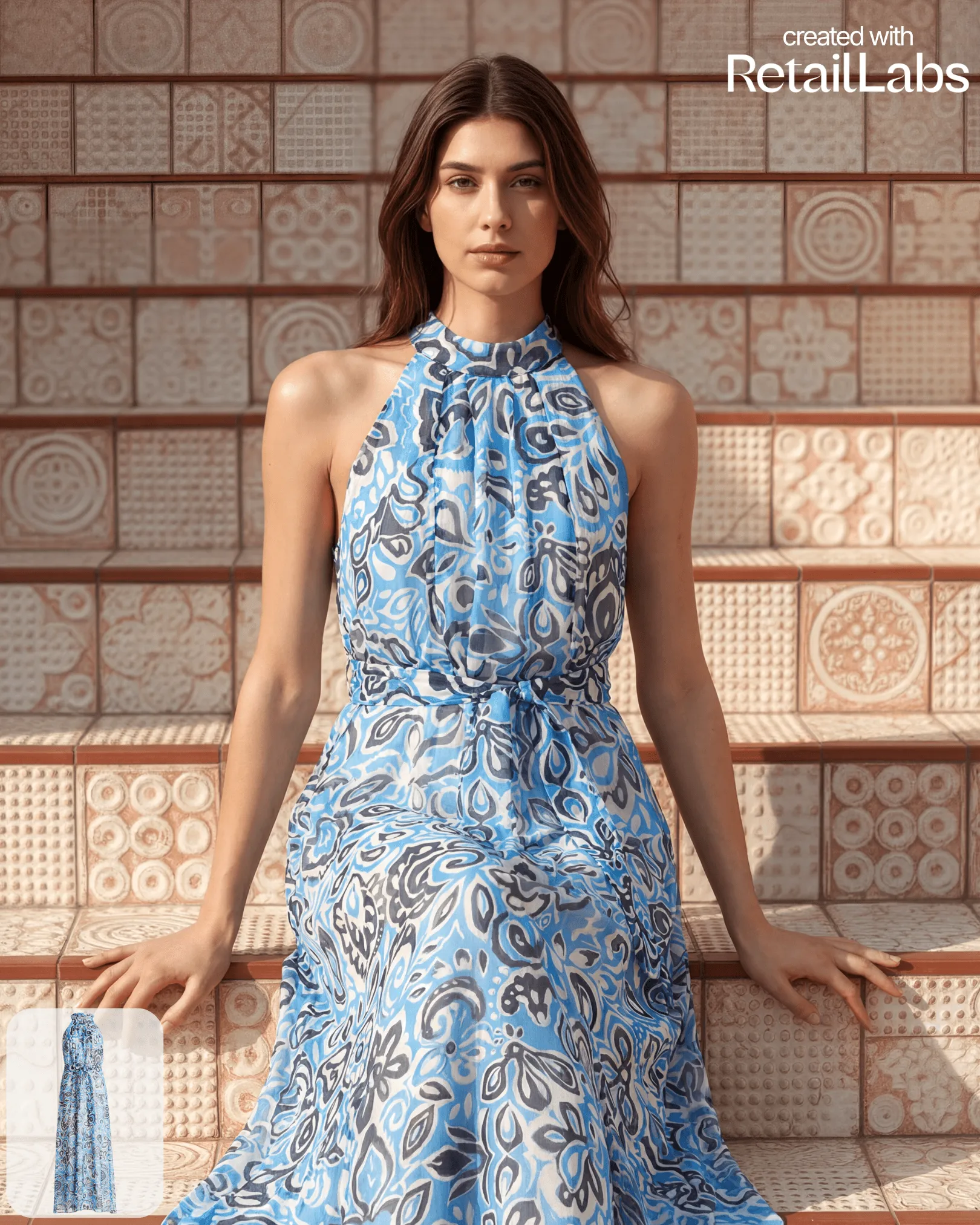
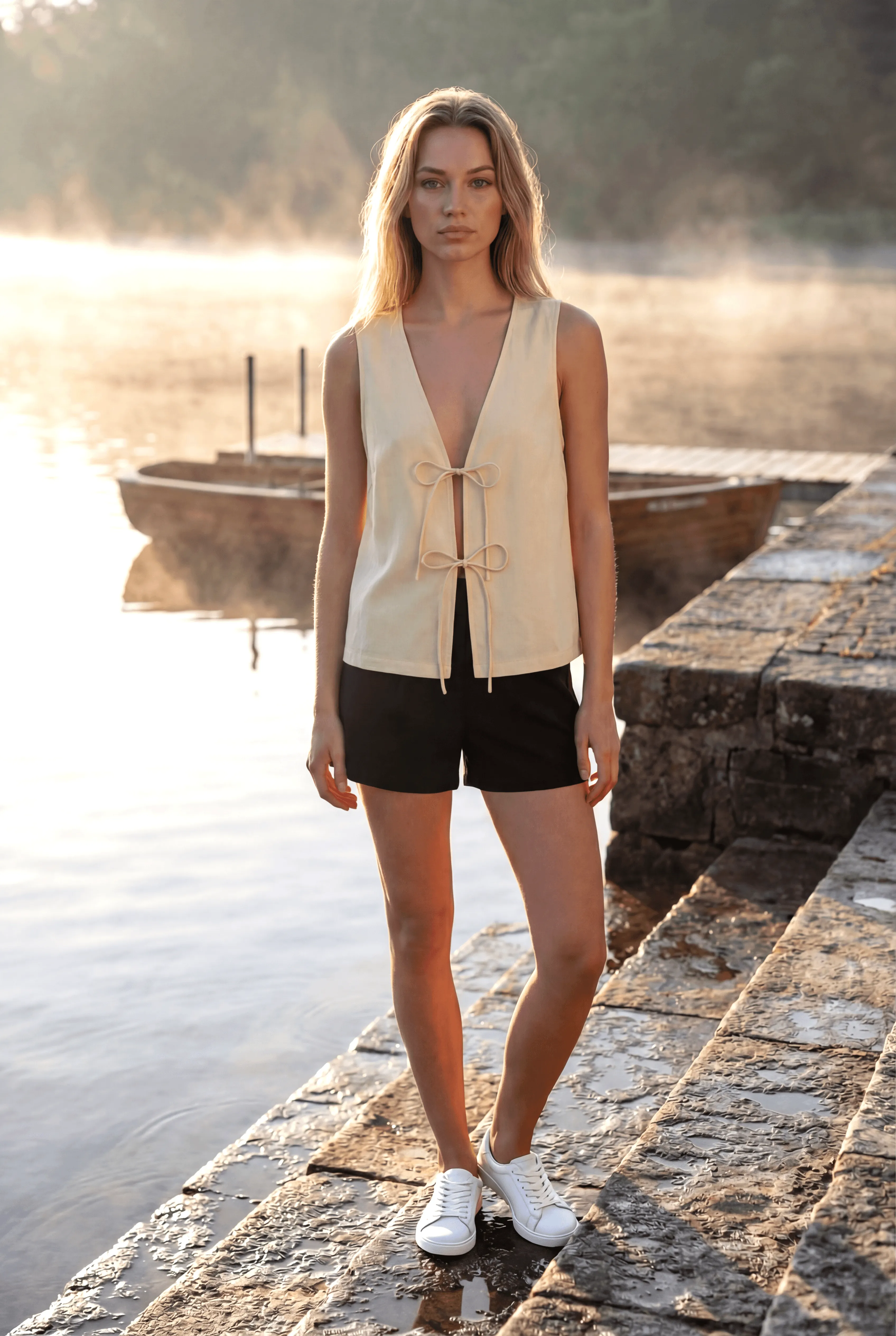
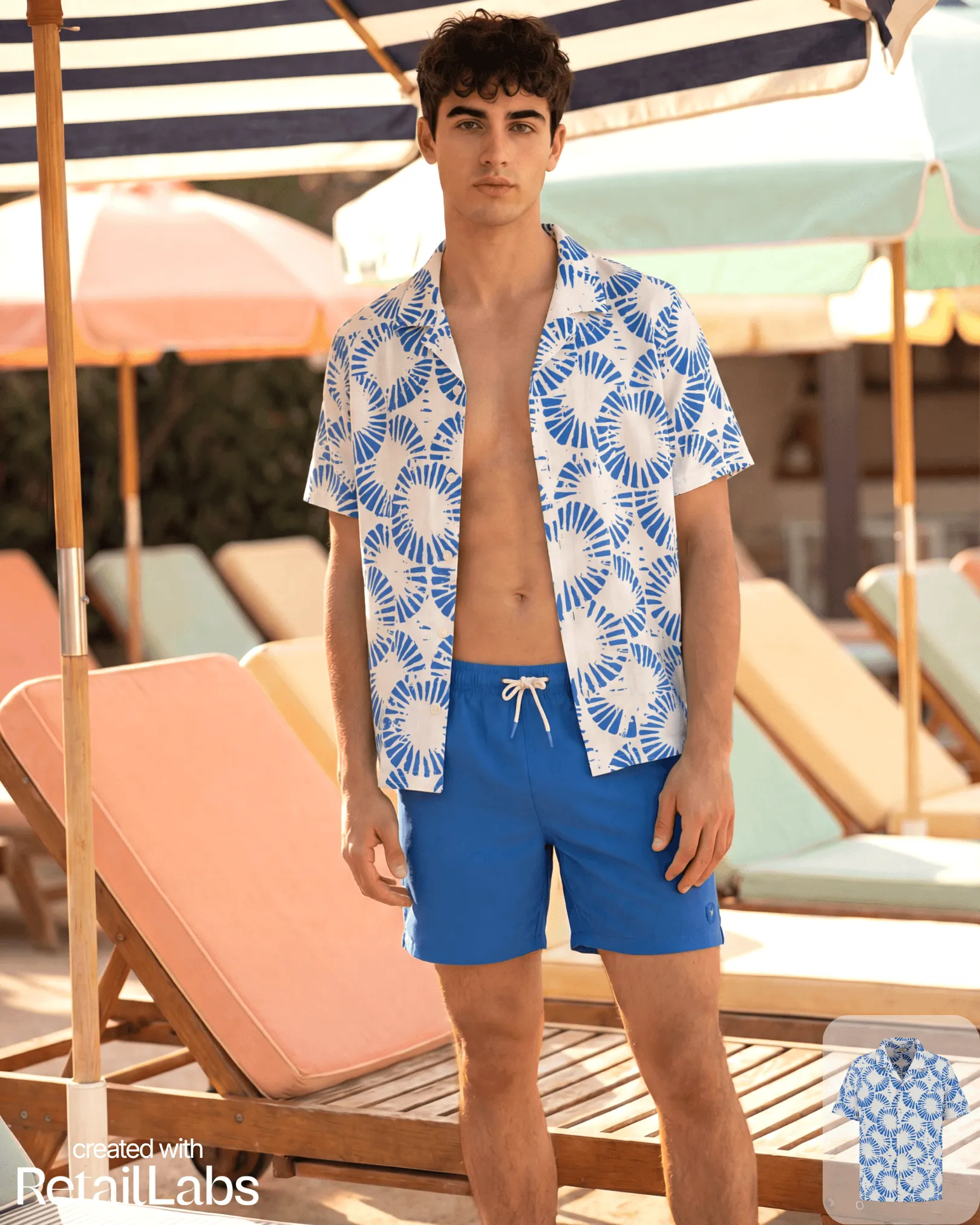
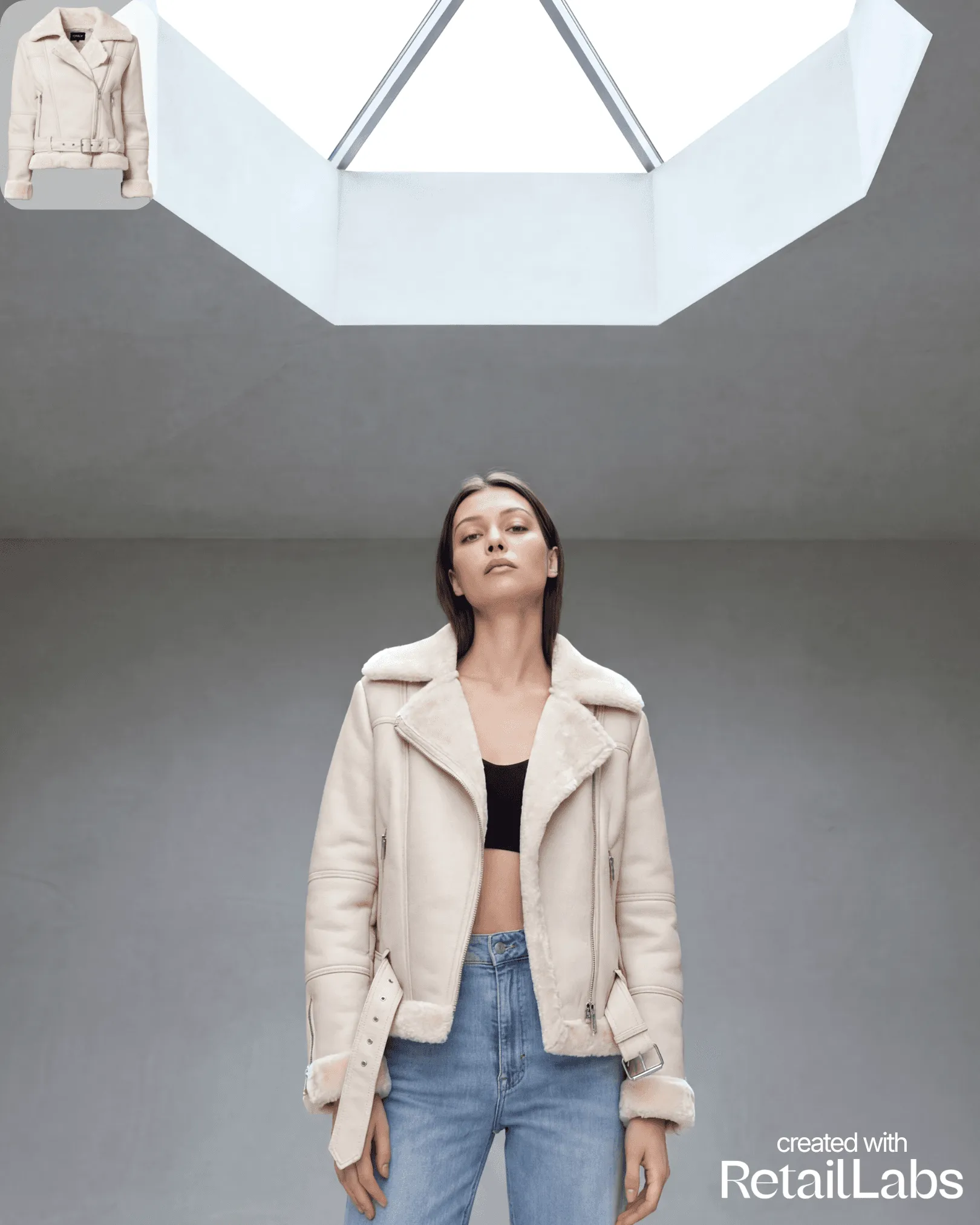
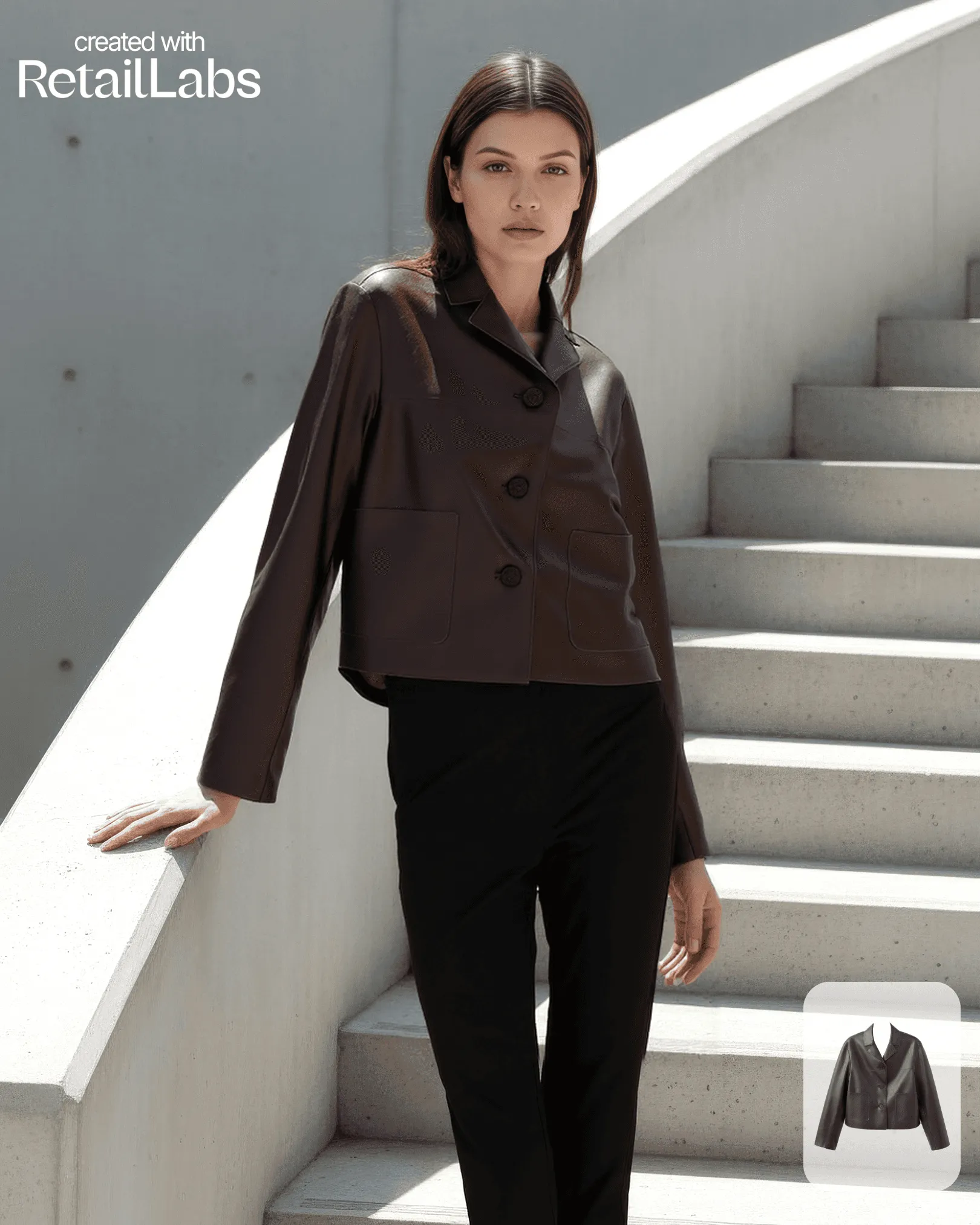
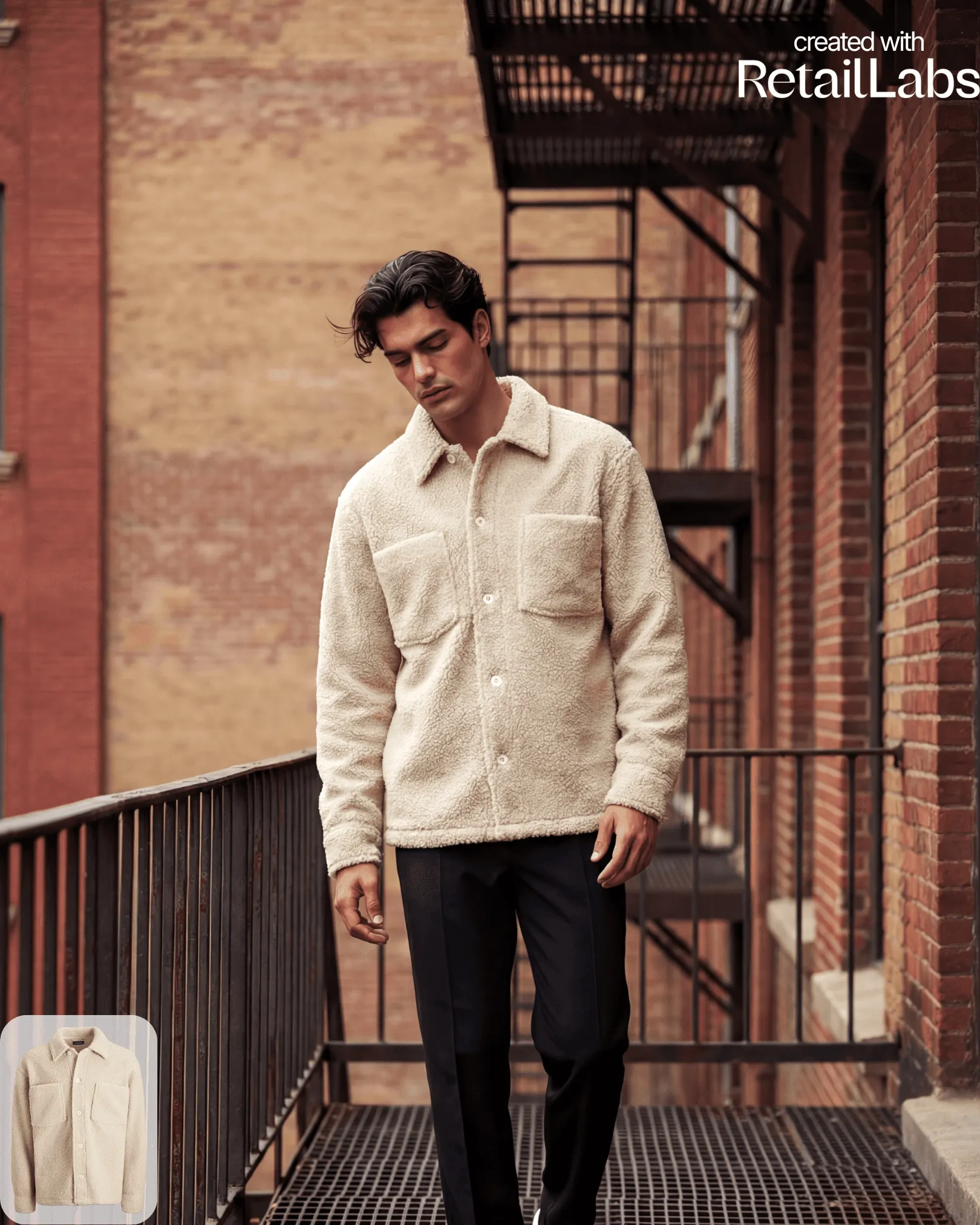
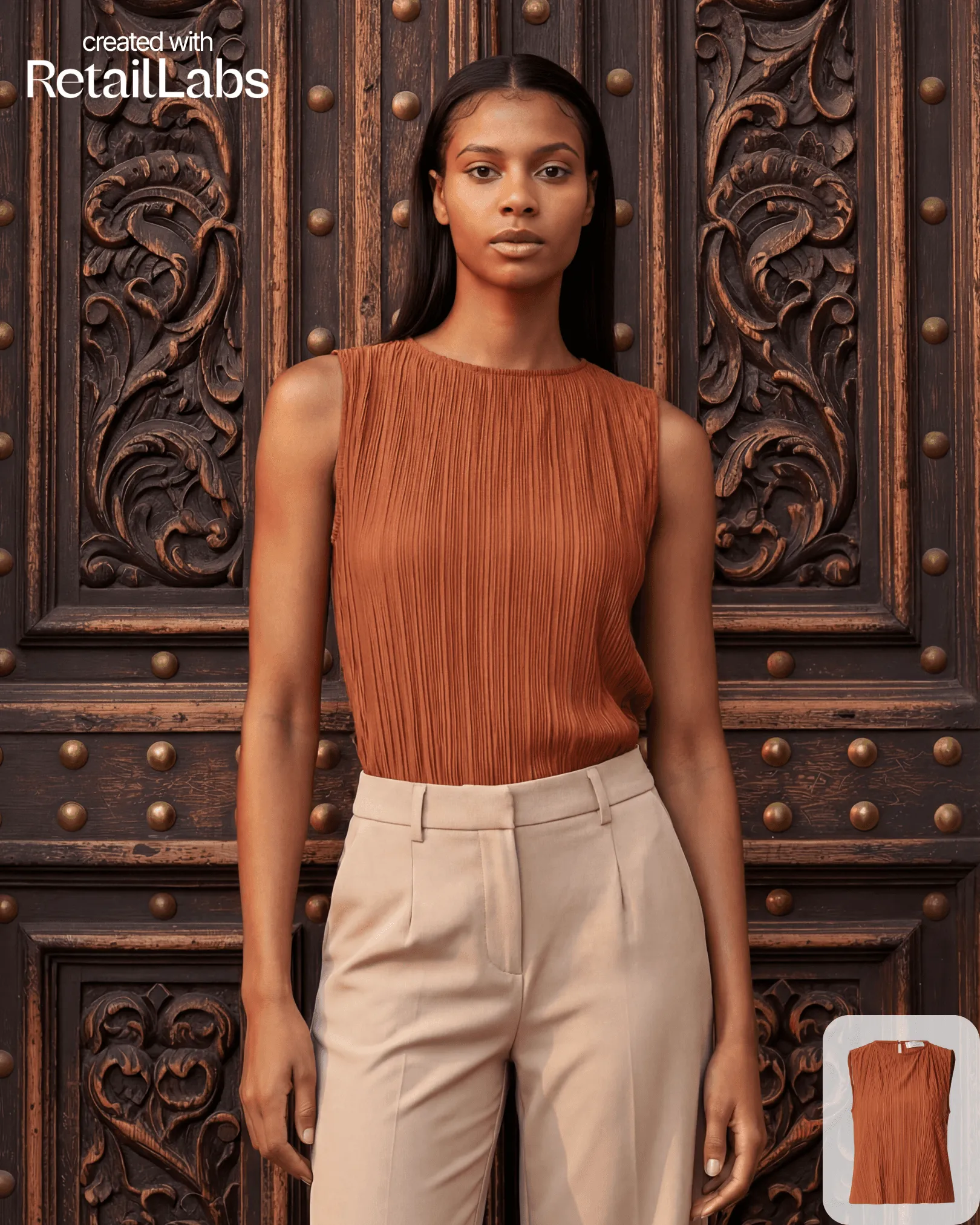
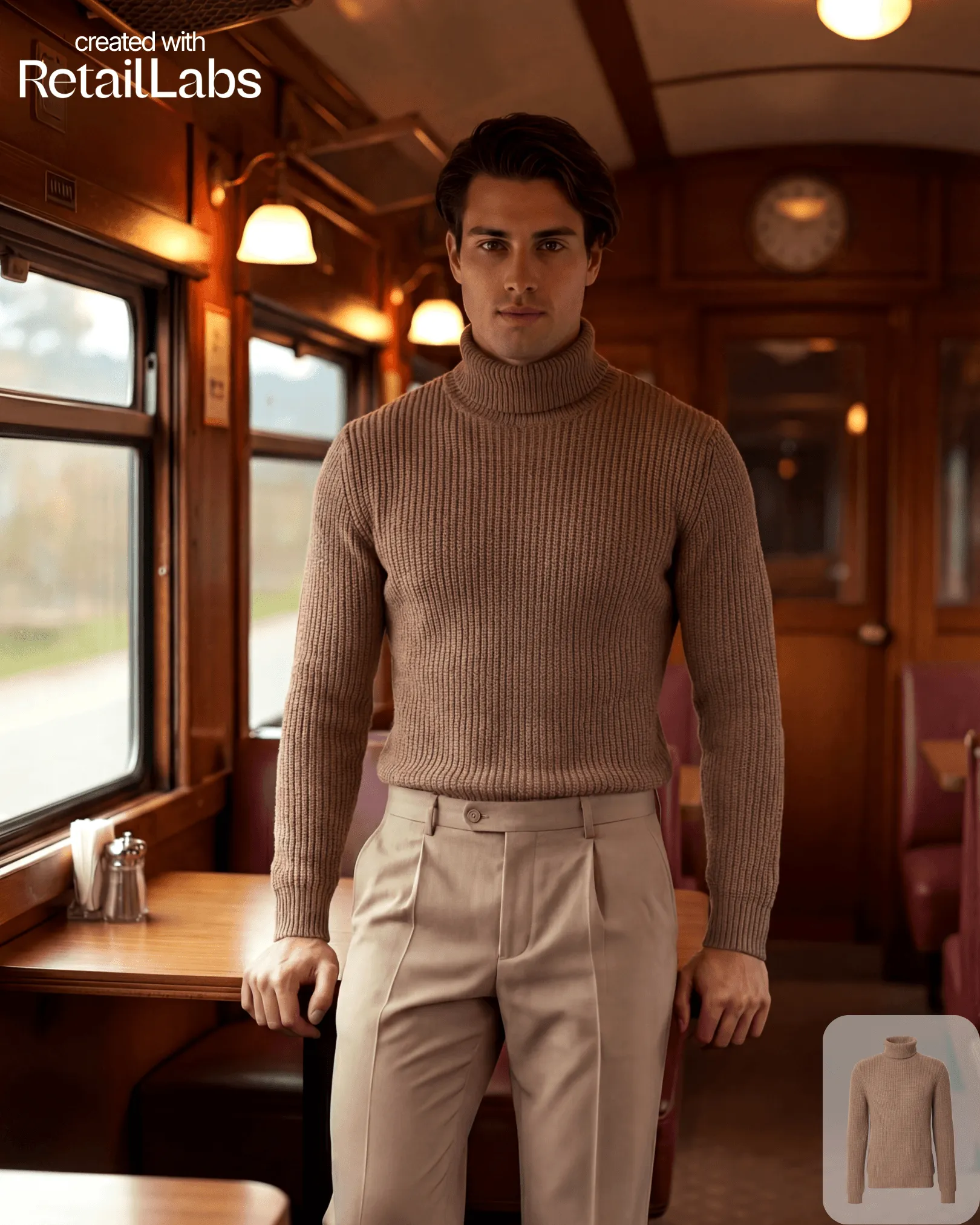
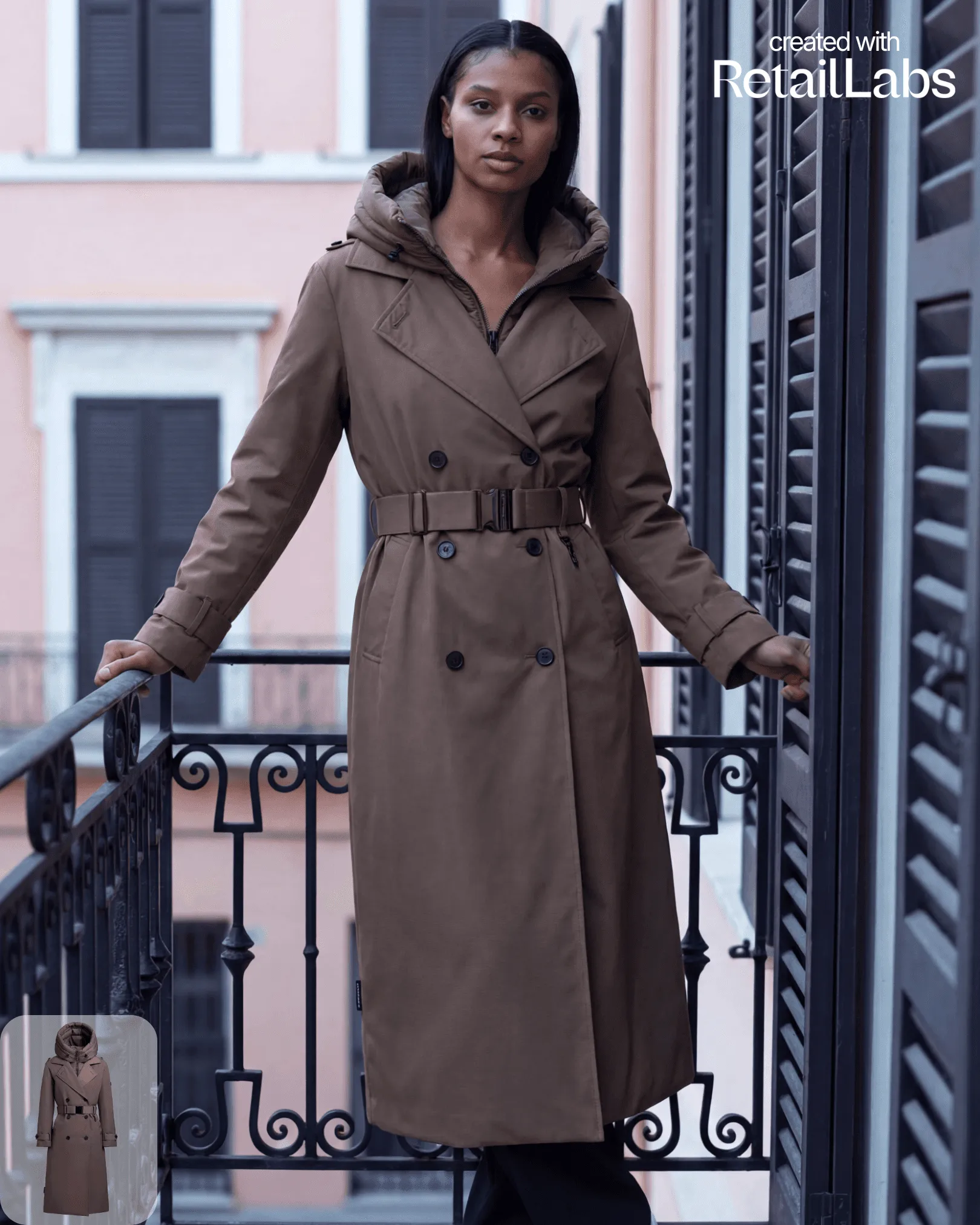
A custom AI model lets you create a virtual model that consistently represents your brand. This is the same person across every generation.
When to use a custom model
- You want a recognisable face for your brand
- You’re building a long-term campaign that repeats over months or years
- You need consistent body proportions and styling across many SKUs
How to create one
- Go to Models → New custom model
- Upload 8–20 reference images of the model (preferably the same person across angles and lighting)
- Choose body type, height, ethnicity, and styling preferences
- Submit: training takes 30–60 minutes
- Once trained, your model appears in your private model library
Tips for great results
- Use sharp, well-lit reference photos
- Include a mix of full-body and close-up shots
- Avoid heavy filters or makeup that would skew the AI’s understanding