Override Image
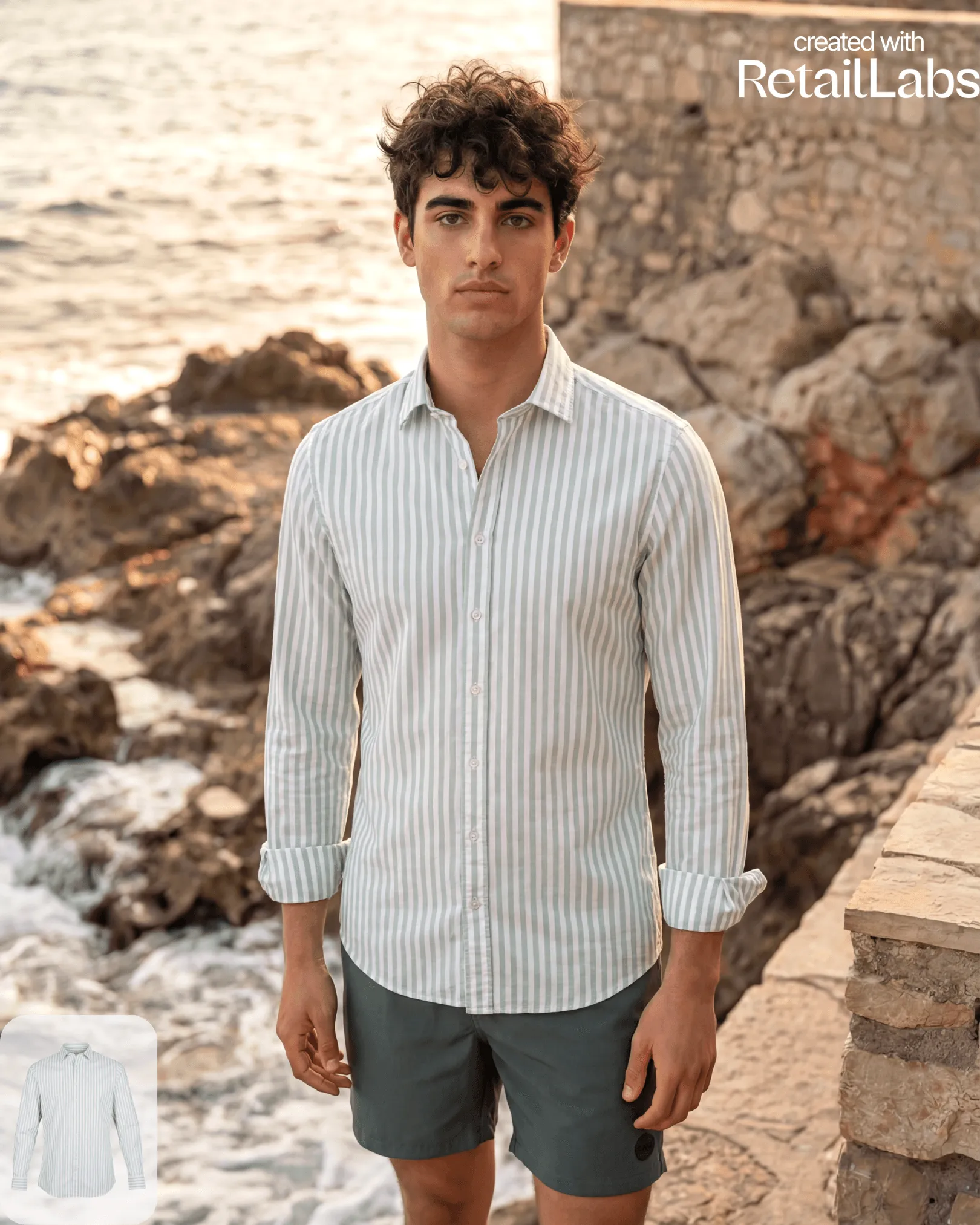
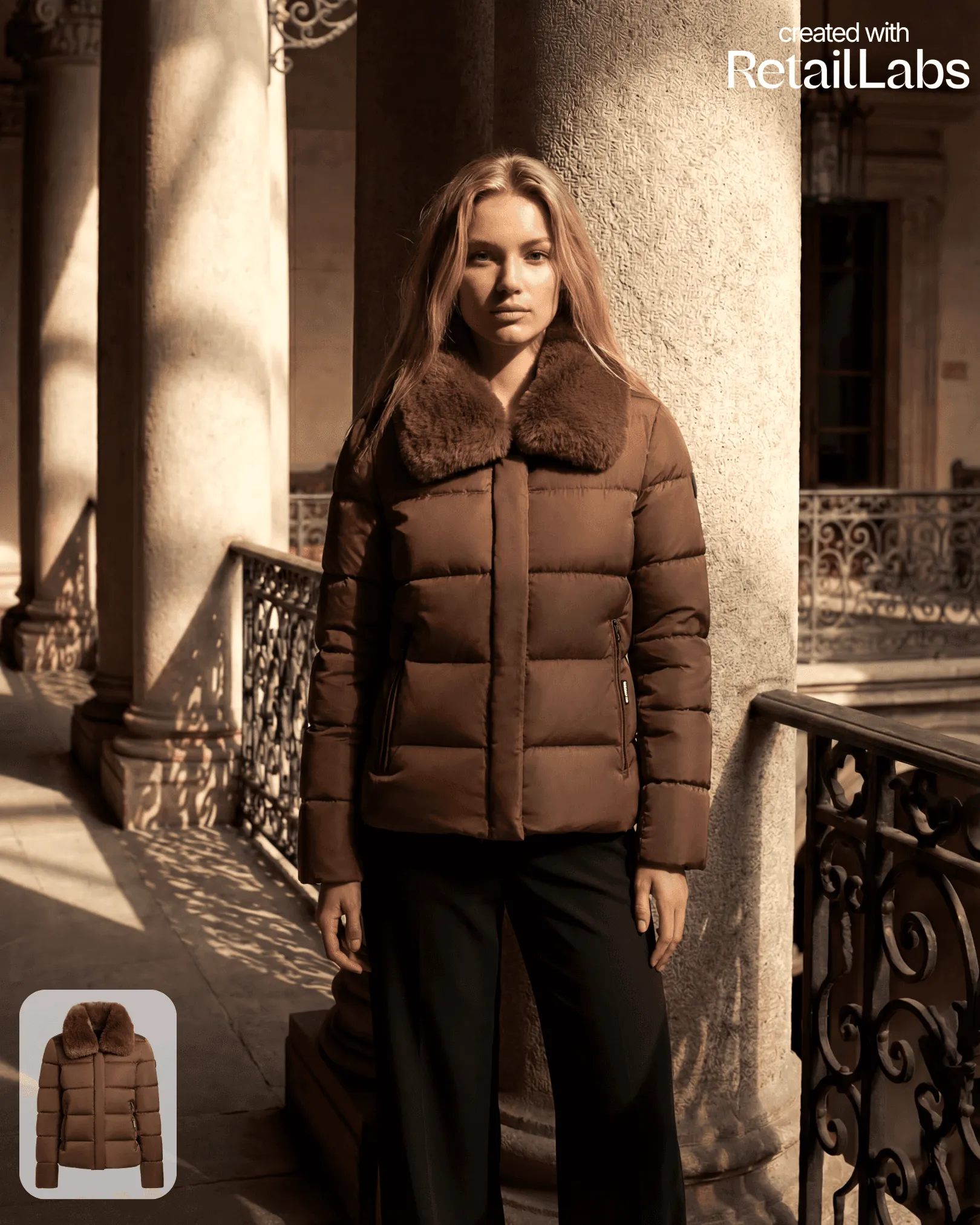
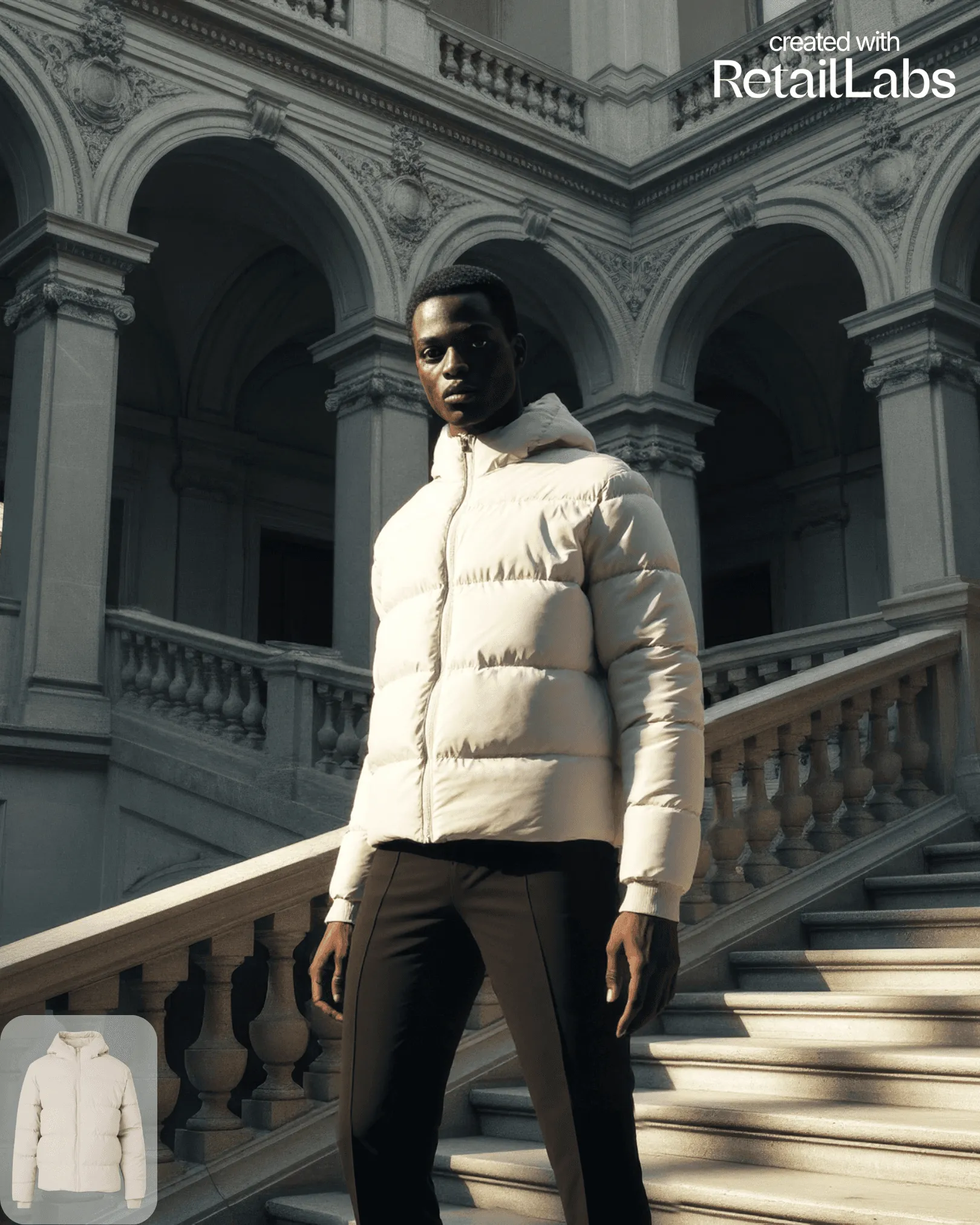
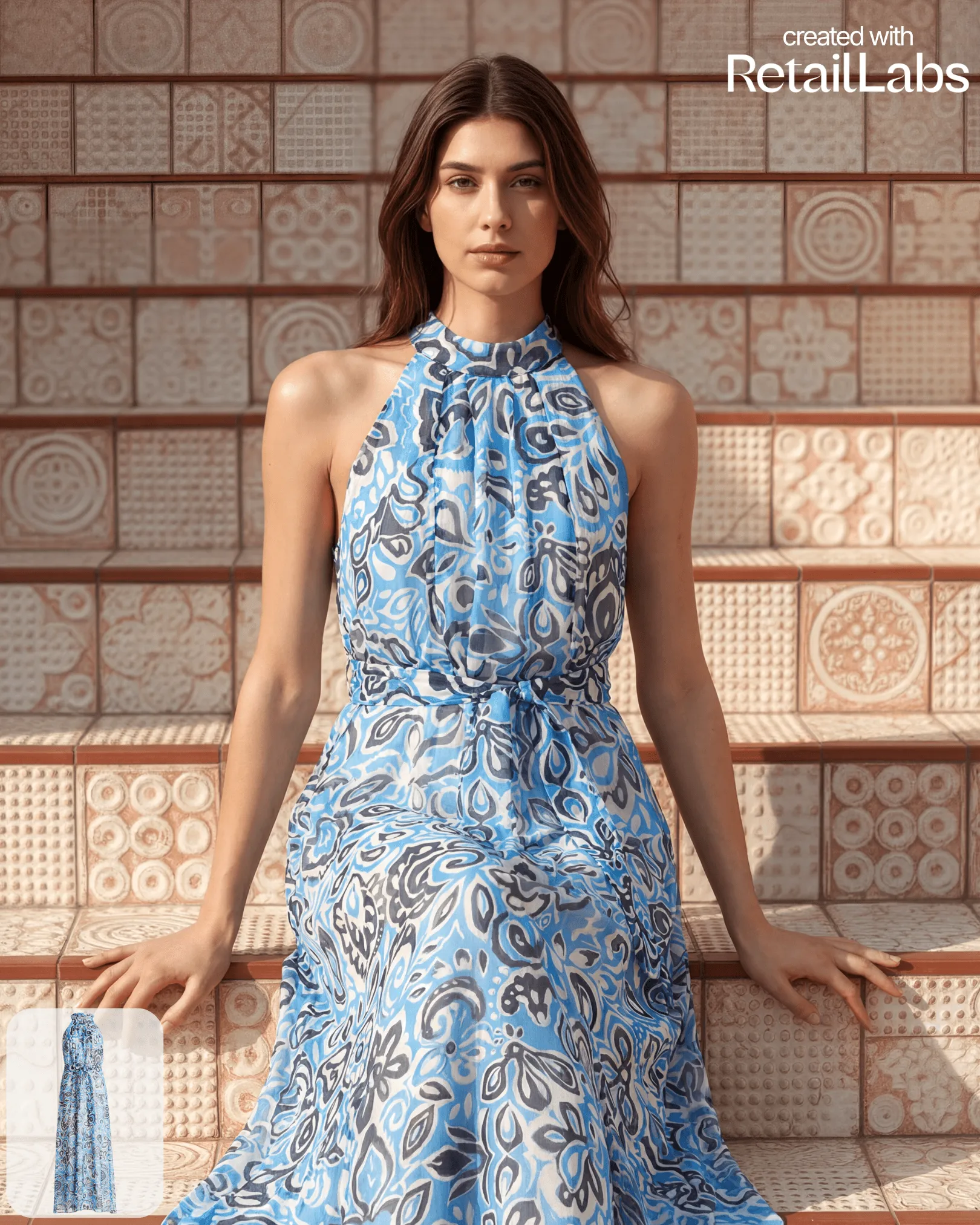
Adjust key details of your image: sleeves or length.
Override lets you fix specific regions of a generated image without re-running the entire job: useful when 90% of the result is perfect.
What you can override
- Garment regions: sleeves, hem, neckline, silhouette
- Pose details: hand placement, head angle (subtle adjustments)
- Color tweaks: saturation, white balance, accent tones
How to use it
- Open a generated image in the library
- Click Override
- Use the brush tool to mark the region you want changed
- Type a short instruction (e.g. “make sleeves longer”, “softer light”)
- Submit: overrides return in under a minute and are deducted at a fraction of a full generation
Tips
- Smaller overrides give more accurate results than re-styling half the image
- Stack multiple overrides on the same base for compounding edits