Generate a Photo
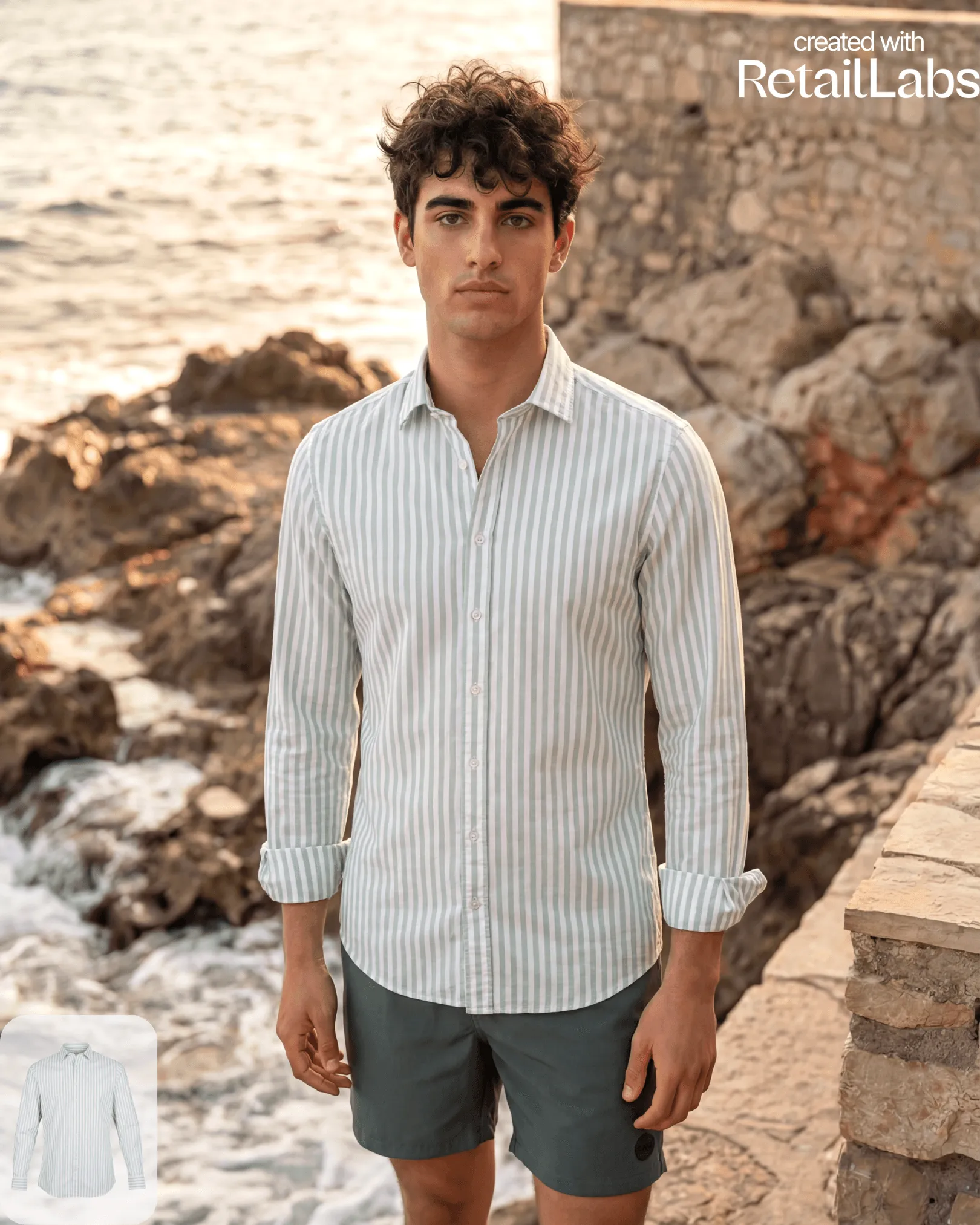
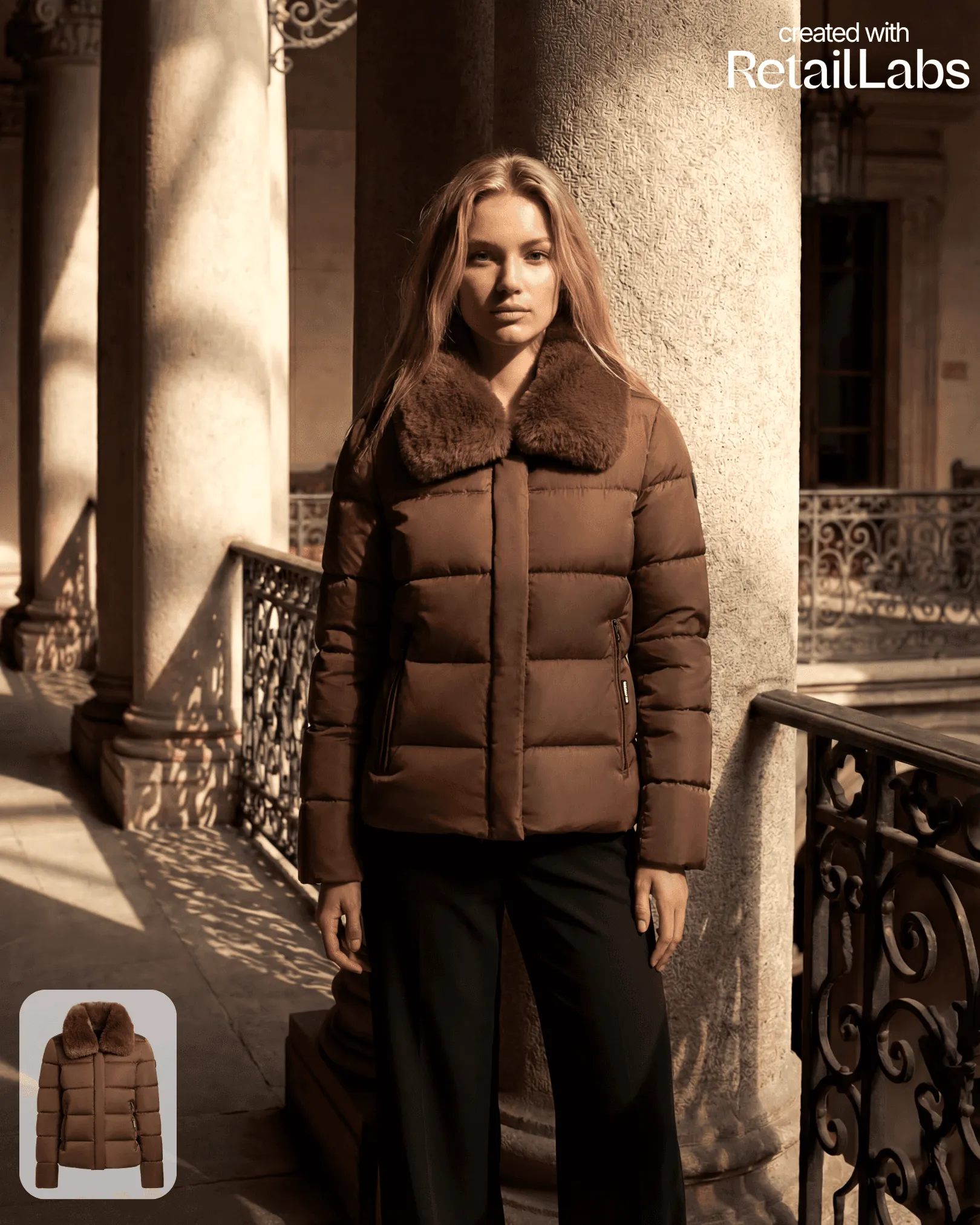
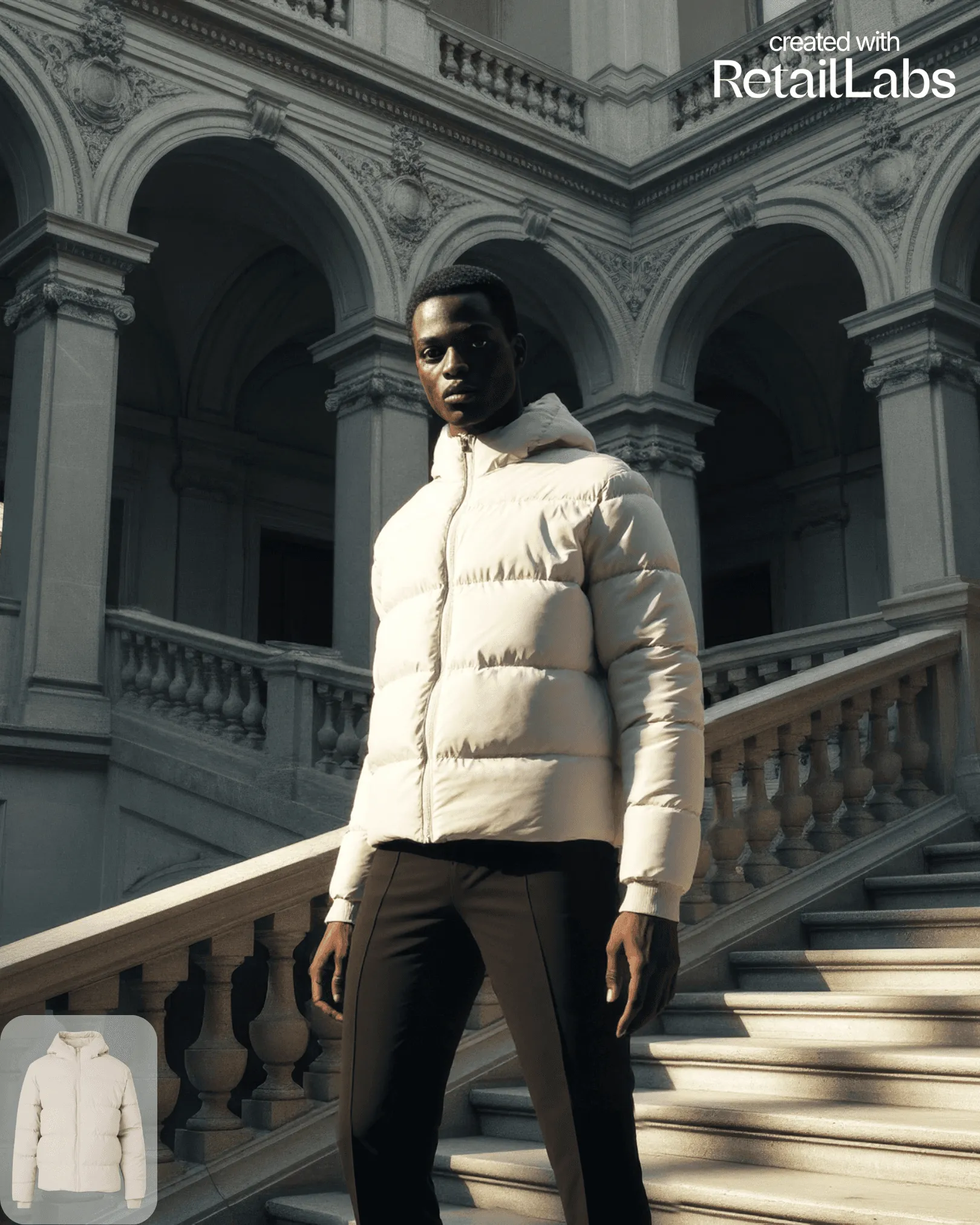
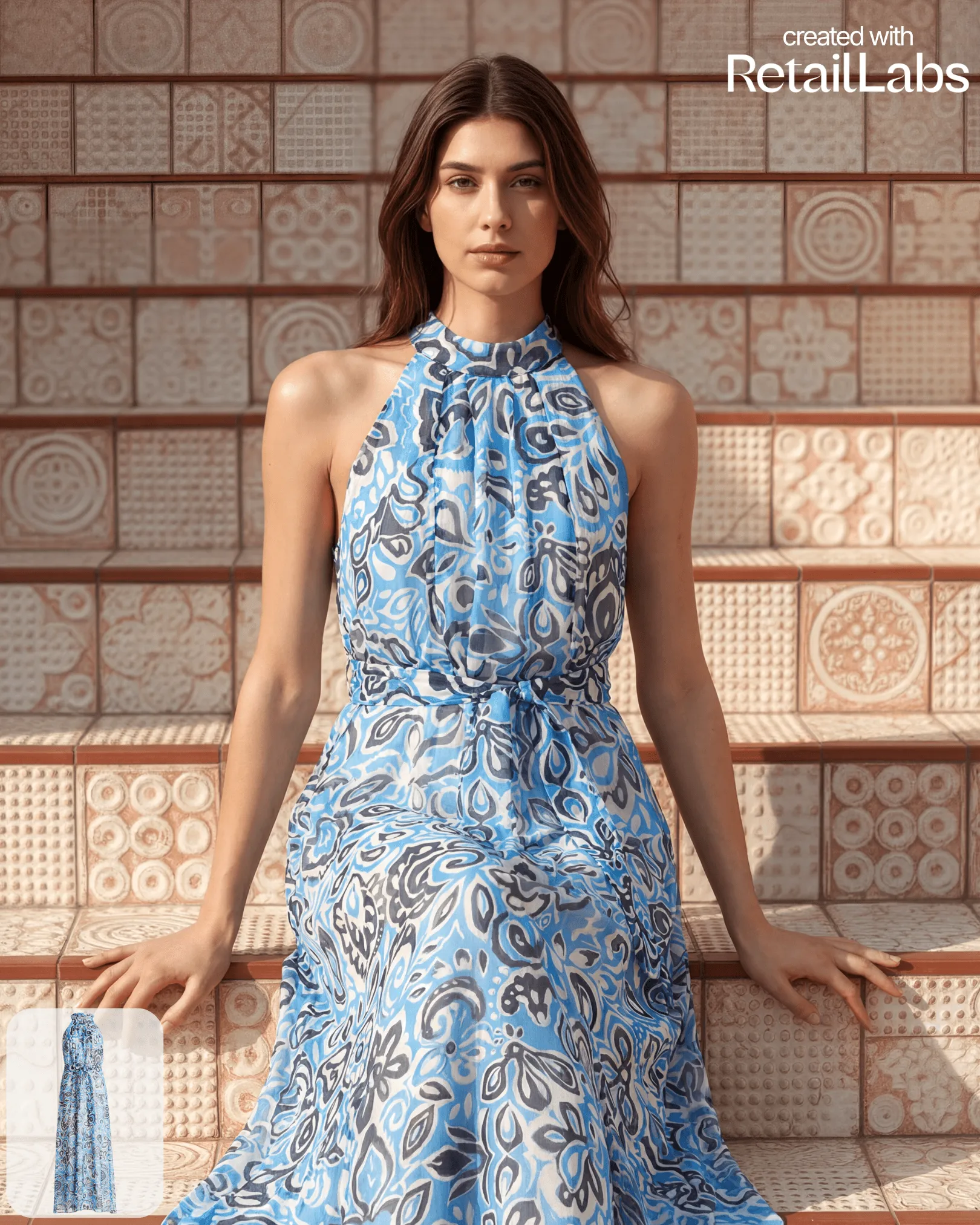
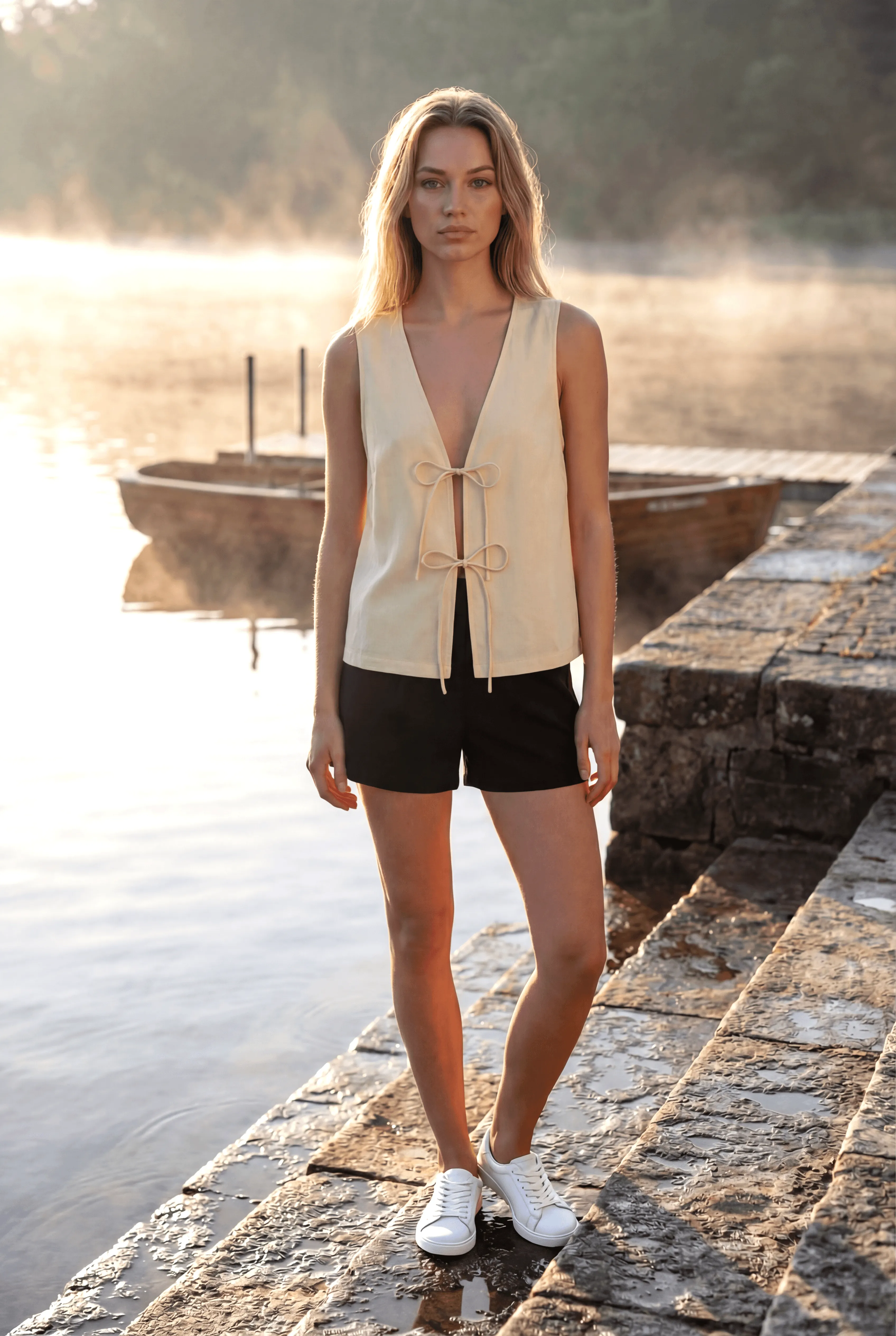
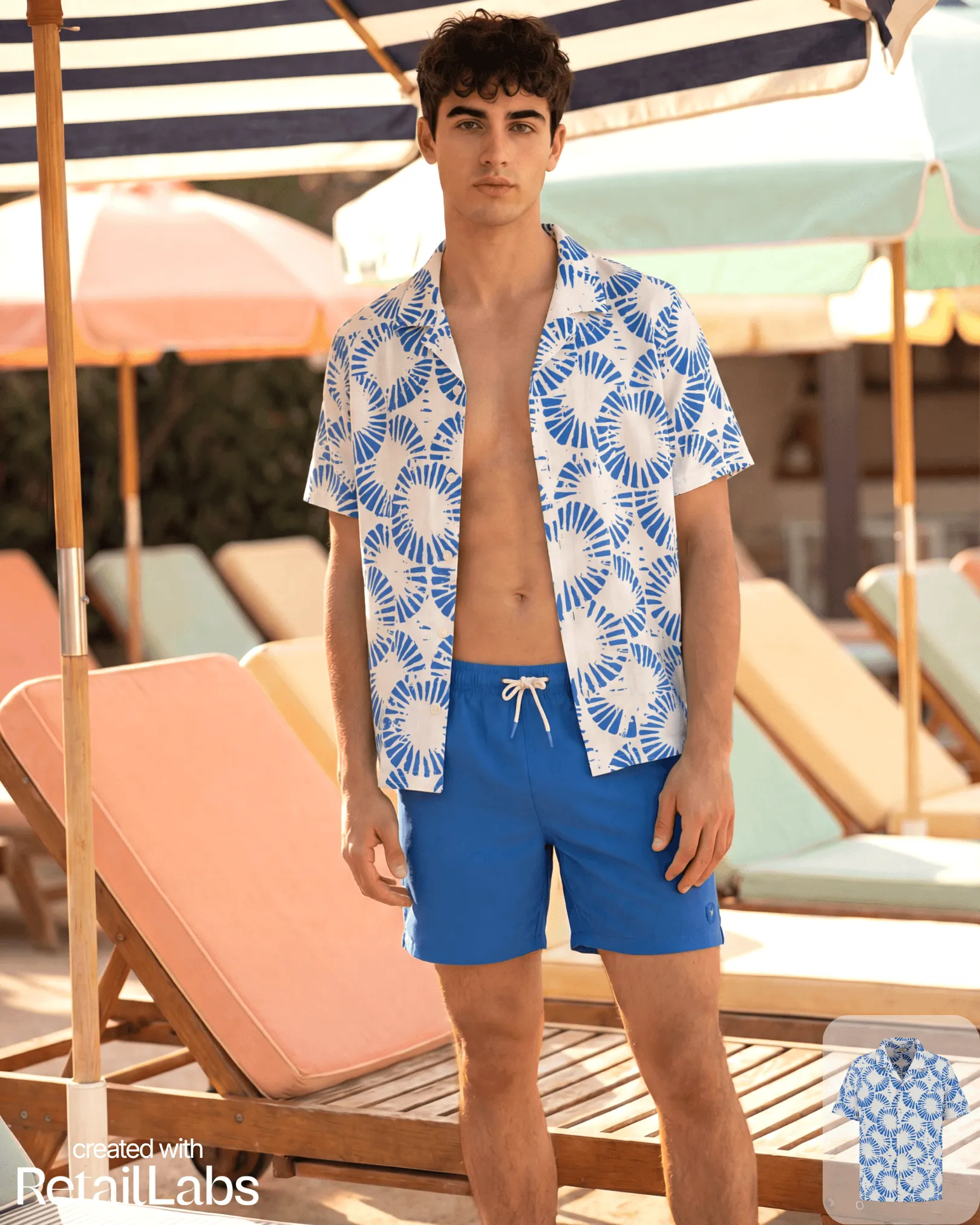
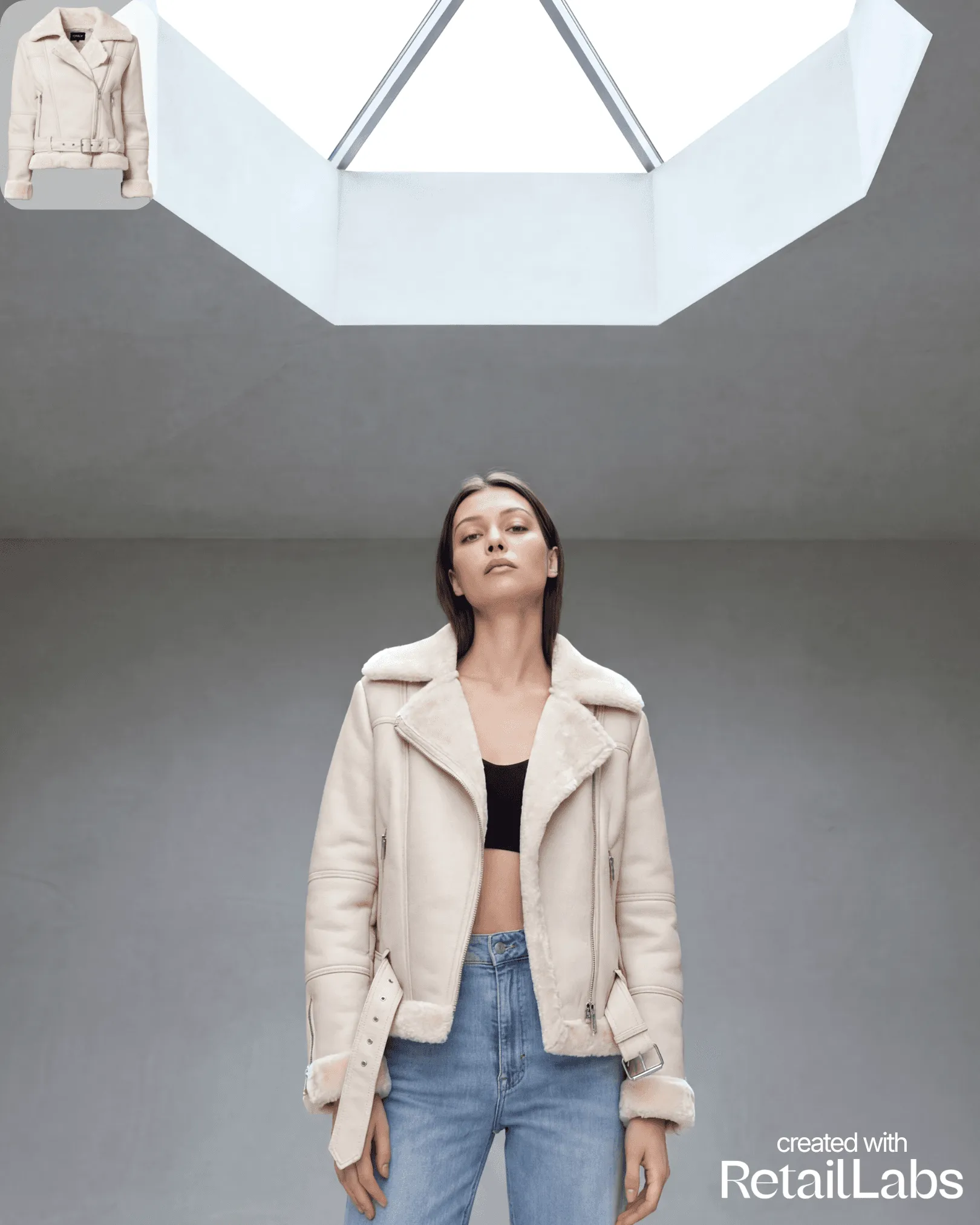
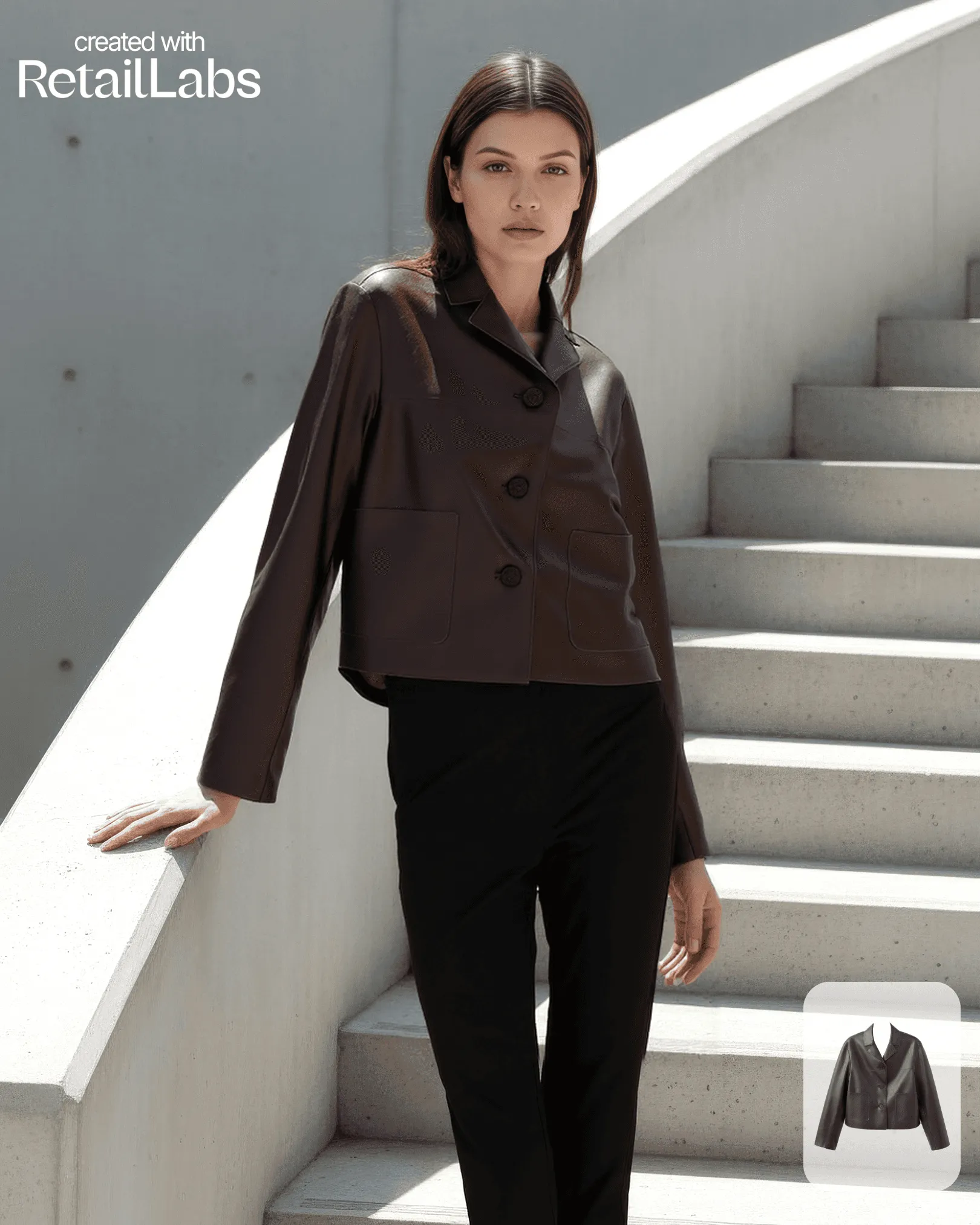
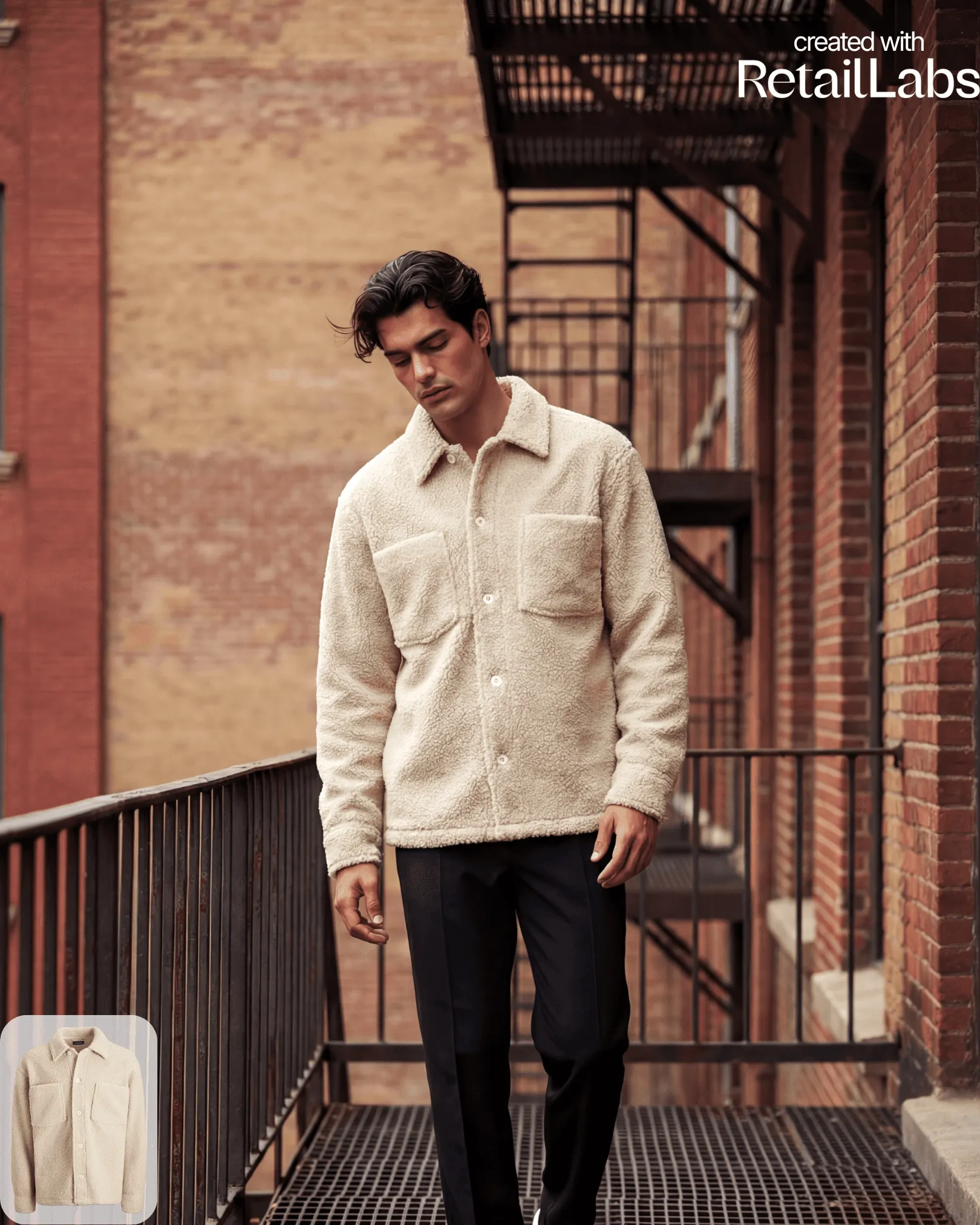
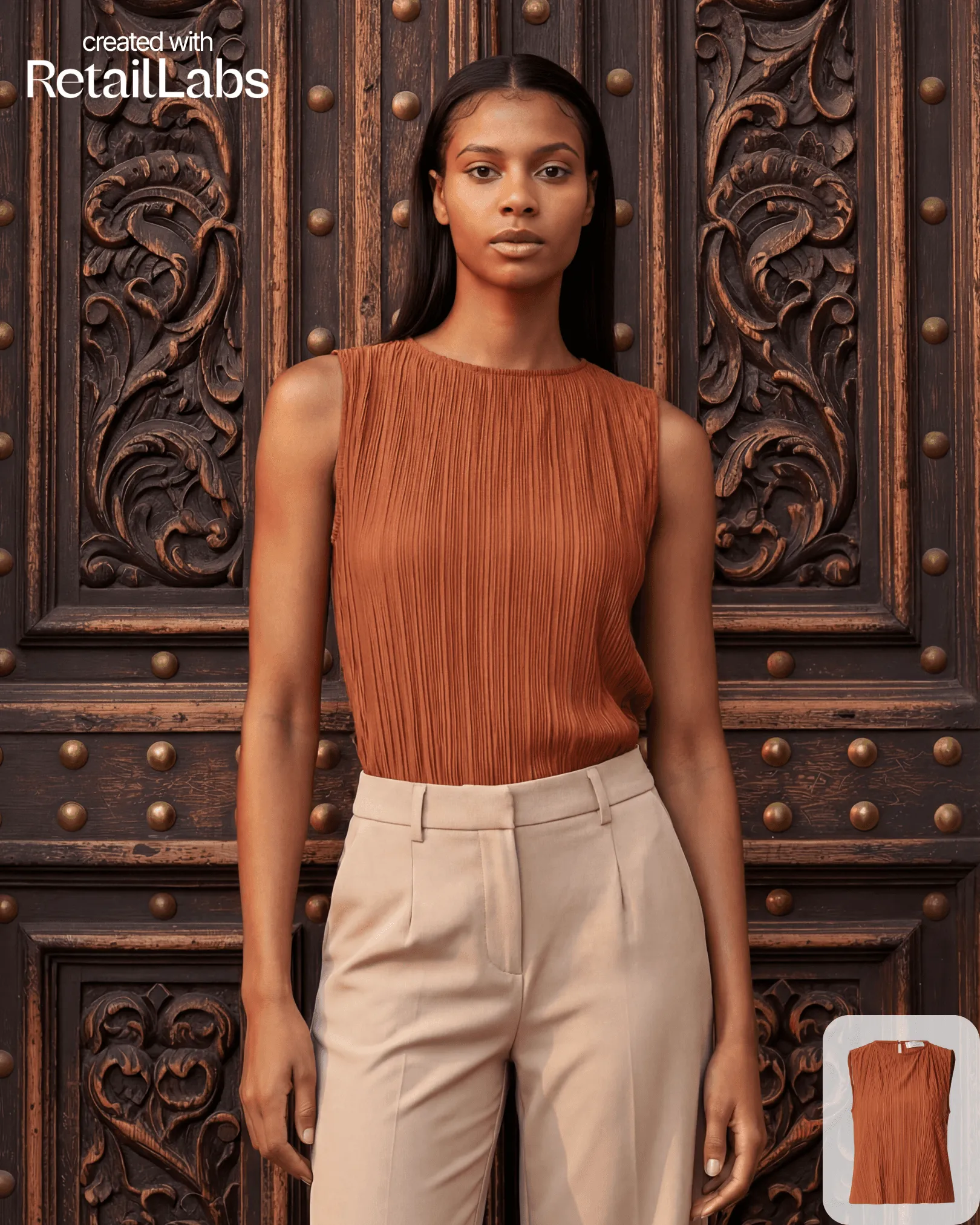
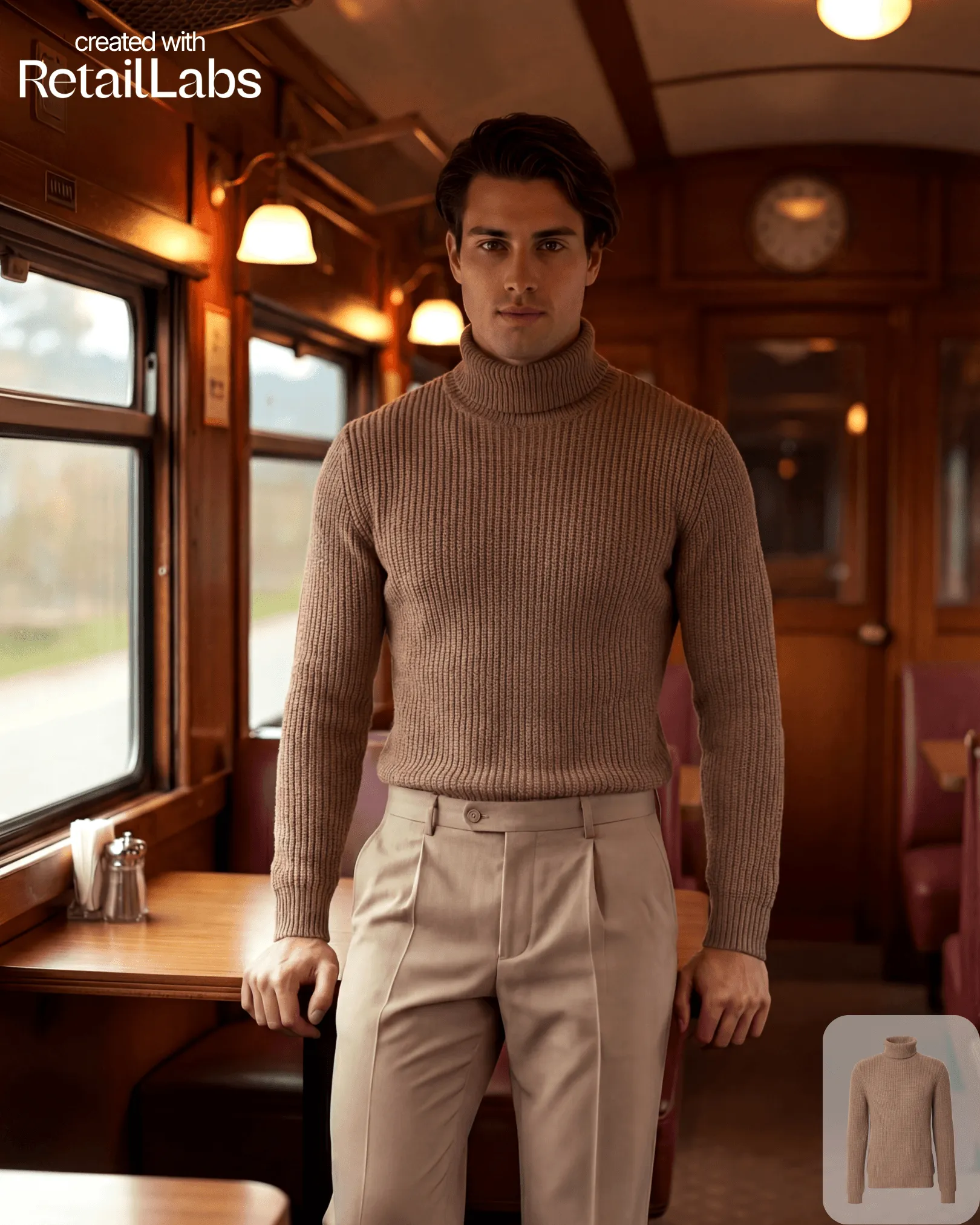
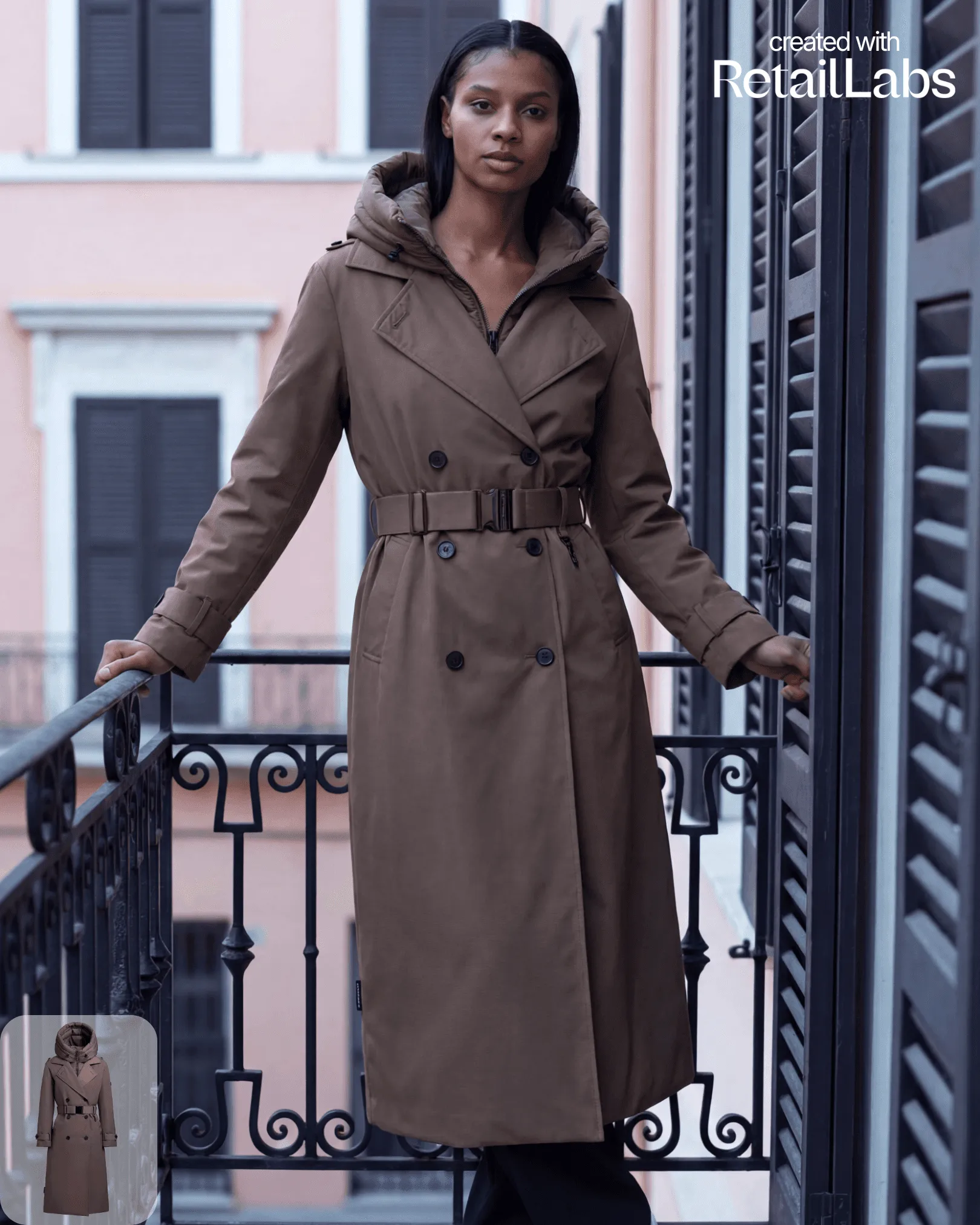
Transform your uploaded garment into on-model fashion visuals.
Once you’ve uploaded a product image and selected a model and scene, hit Generate: the platform produces 4 variants per job by default.
Output specifications
- 2K resolution (default)
- PNG, JPG, or WebP export
- Pre-cropped marketplace formats (1:1, 4:5, 16:9, 9:16)
Iteration workflow
If a single variant is close but not perfect:
- Click the variant to expand
- Use Override to fix specific regions (sleeves, length, silhouette)
- Or use Regenerate to produce a new set with the same model + scene
Batch jobs
For large catalogues, use Batch generate to run hundreds of products through the same styling and scene preset in one job.