Upload a Style
Learn how to upload your product image for content generation.
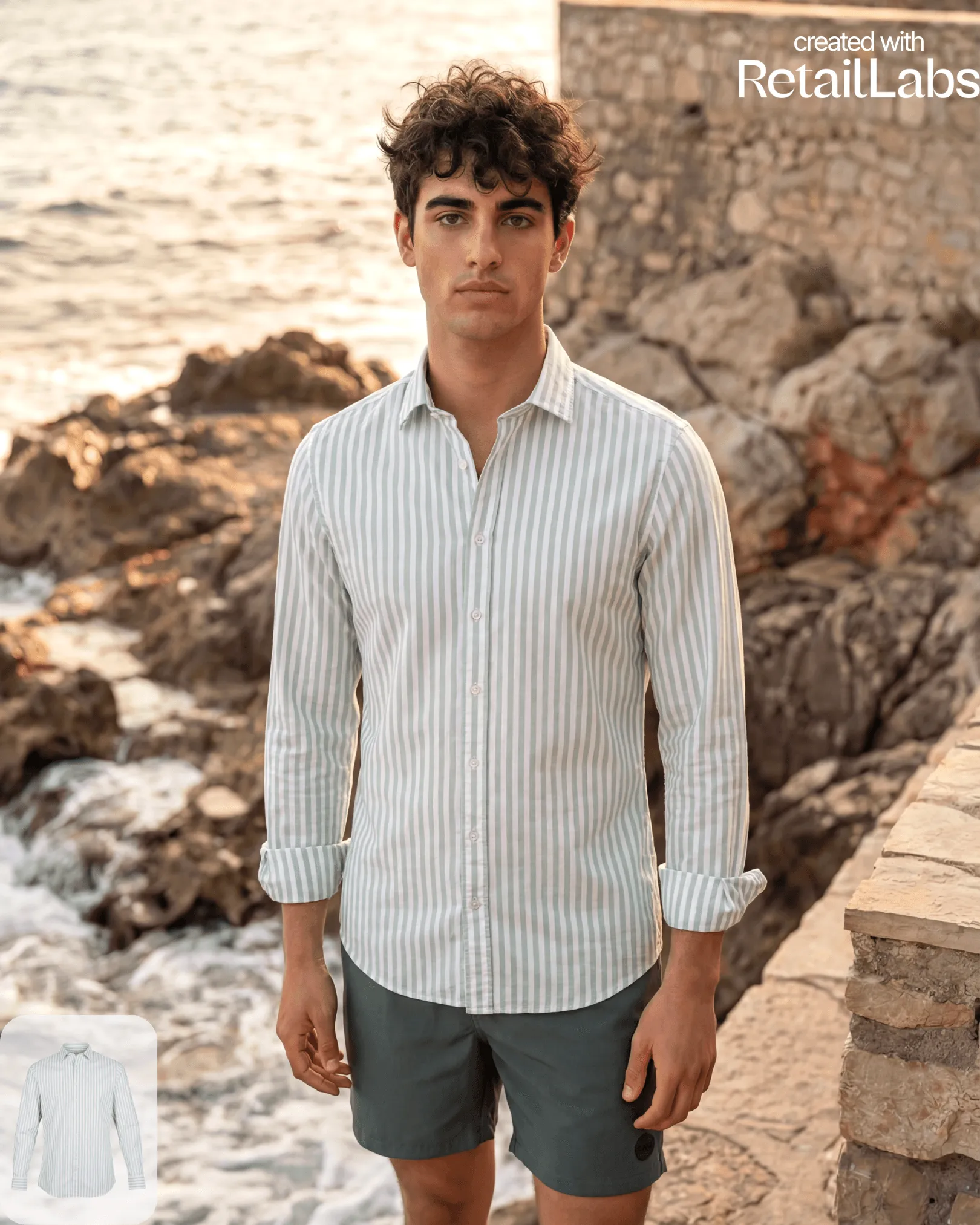
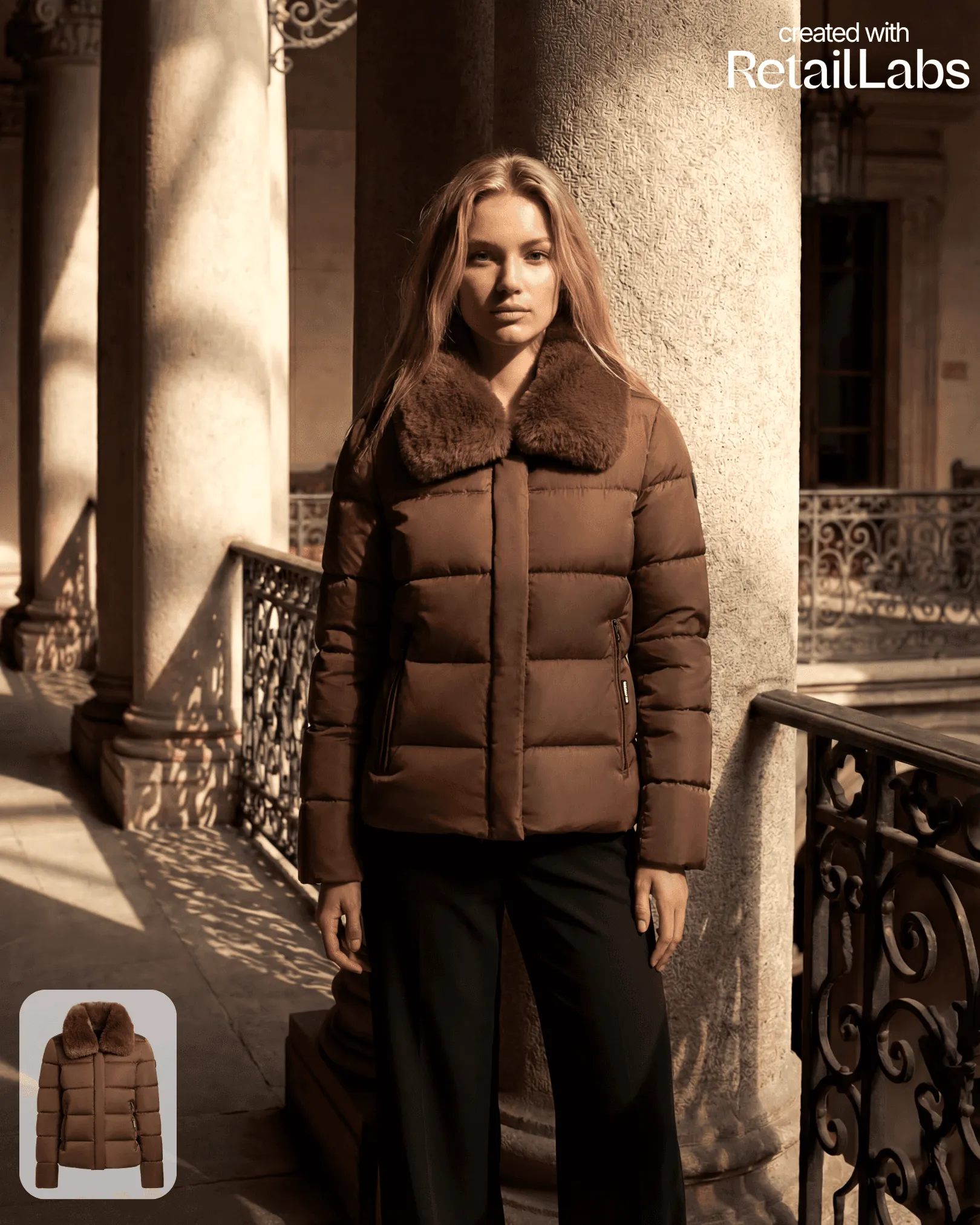
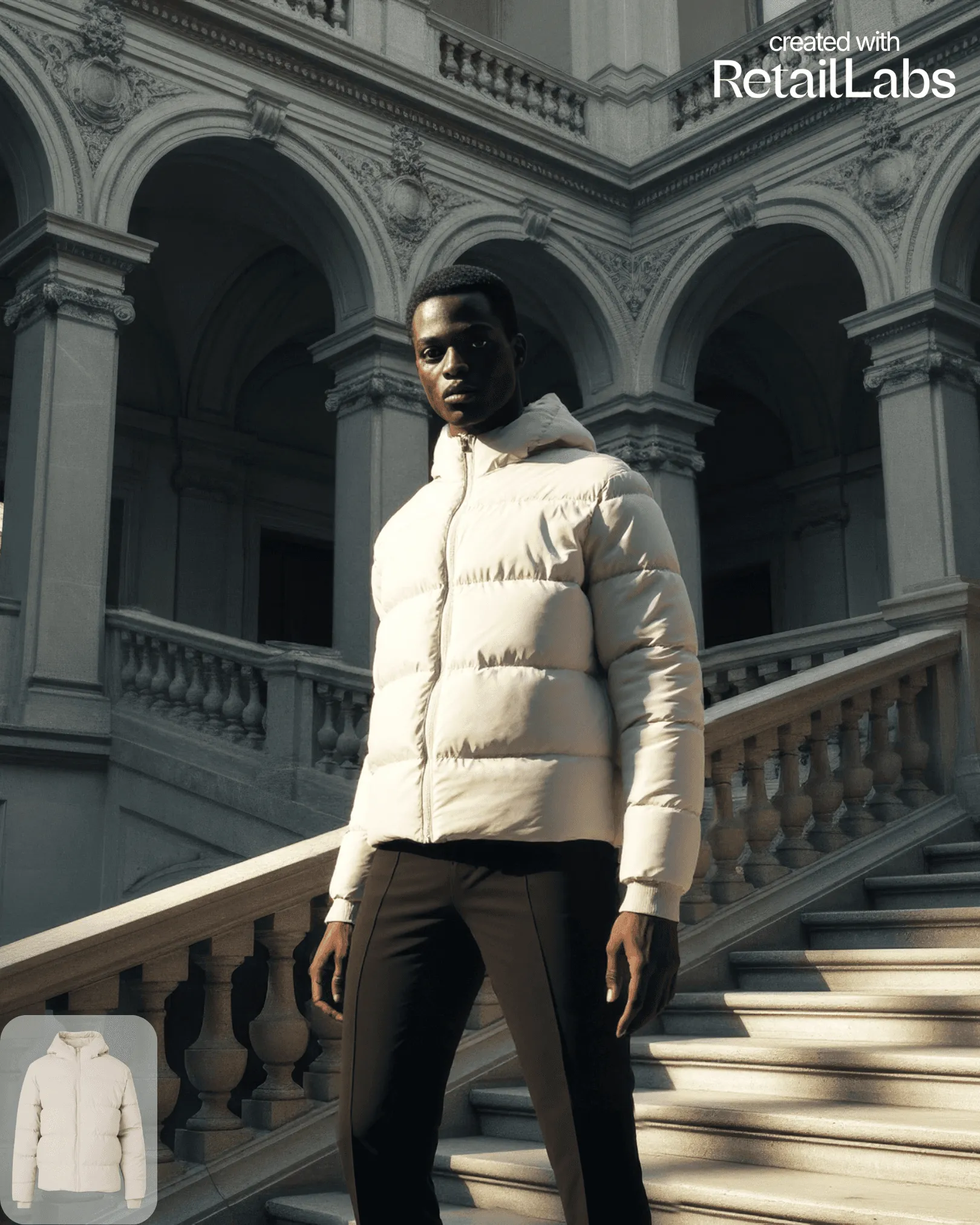
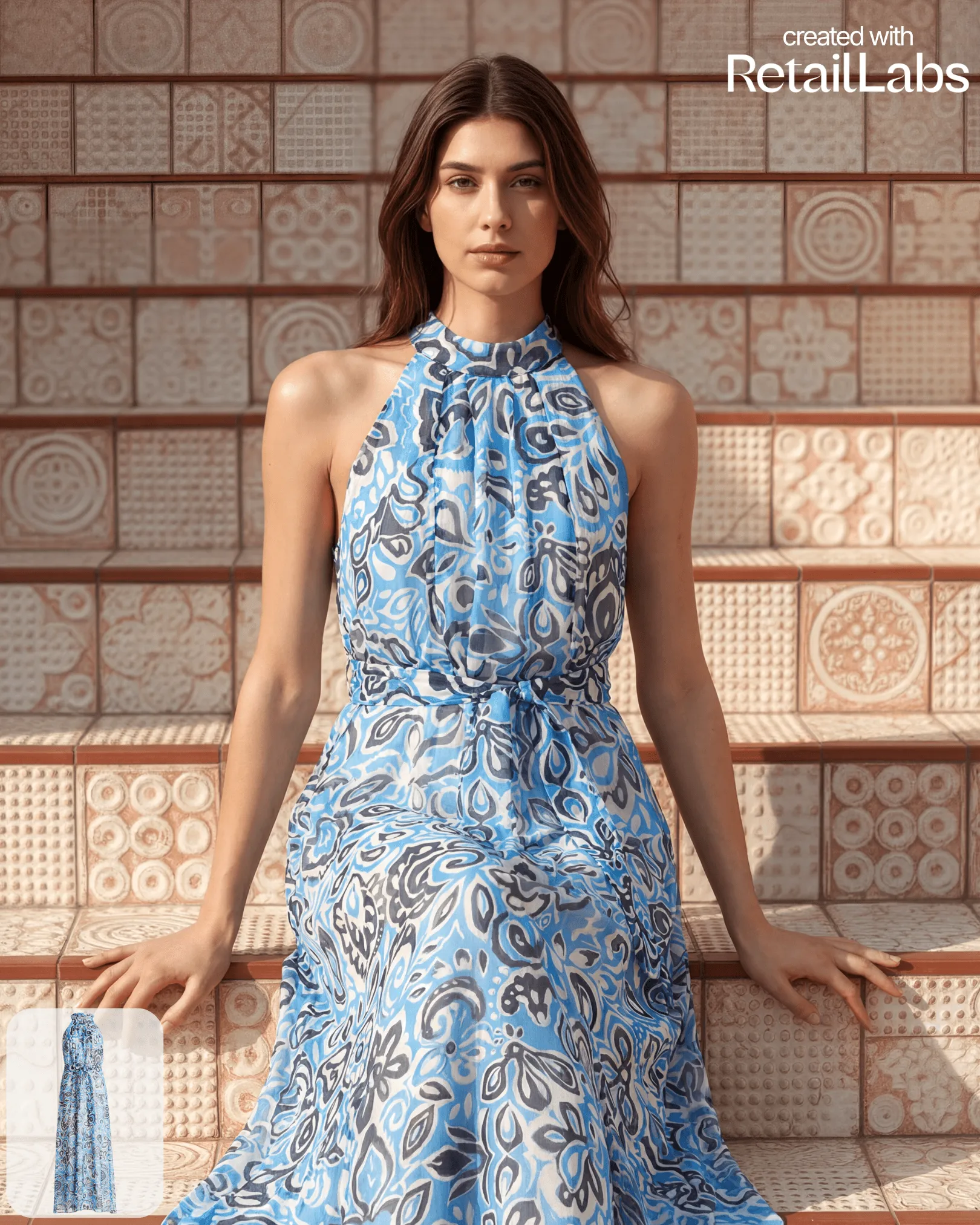
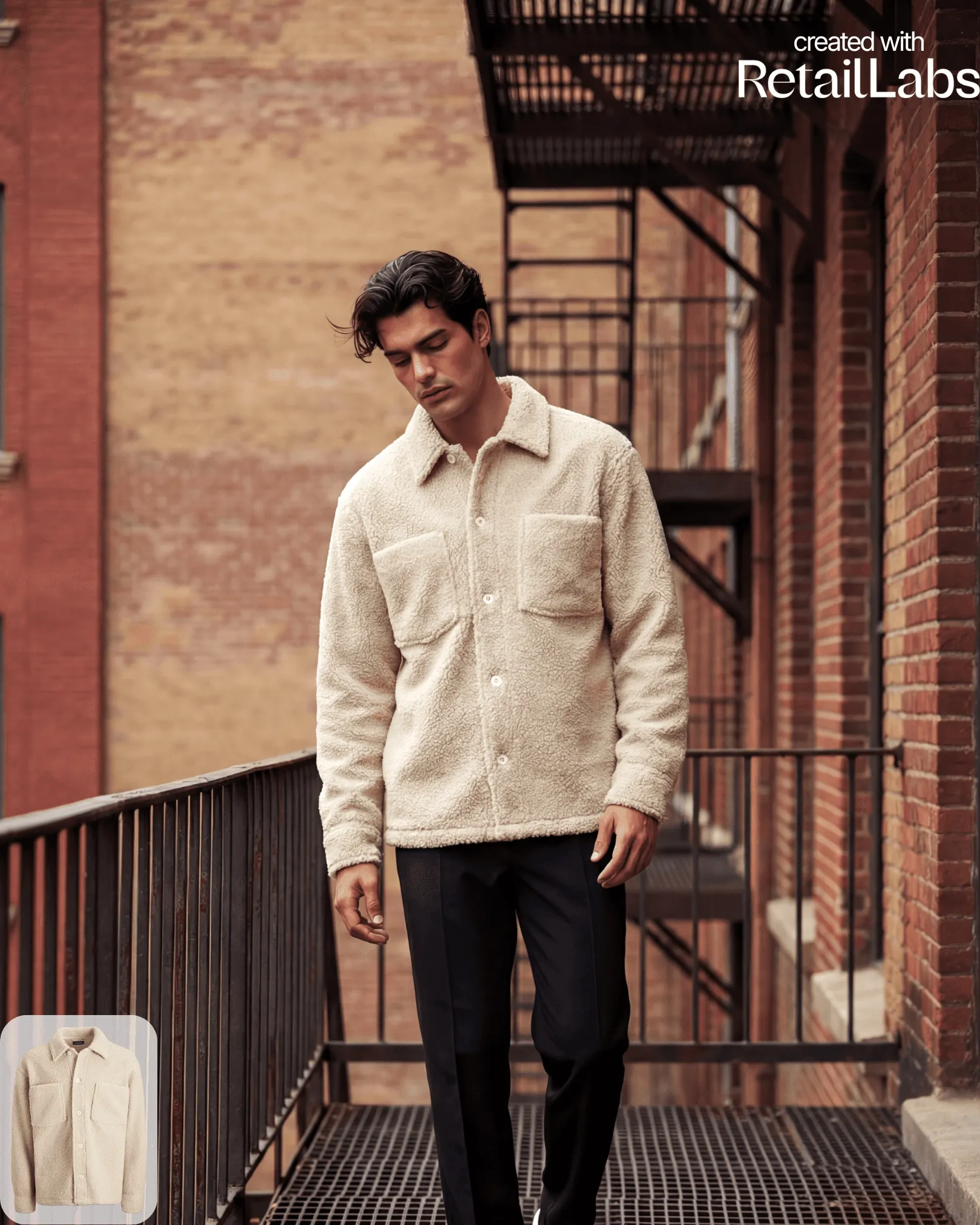
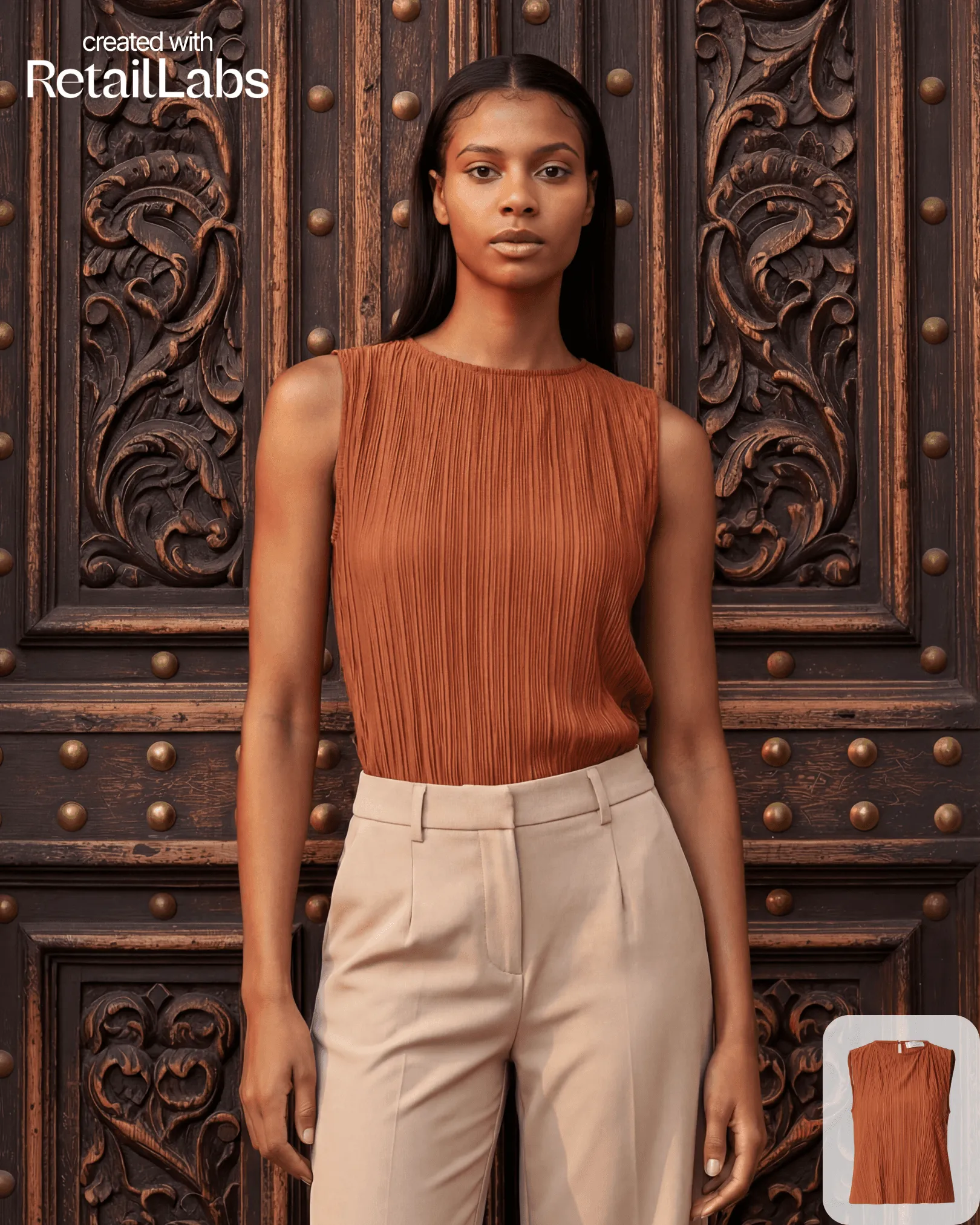
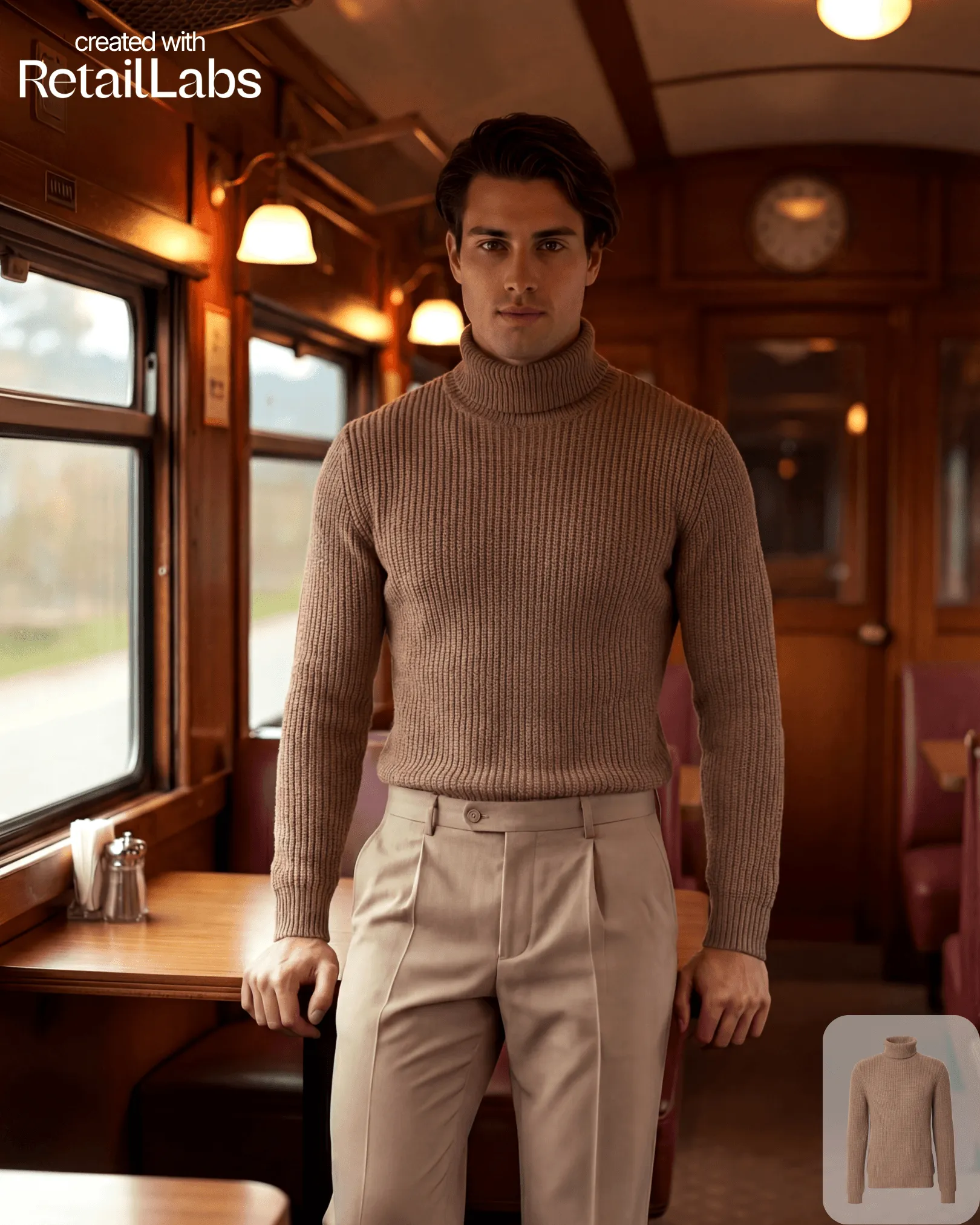
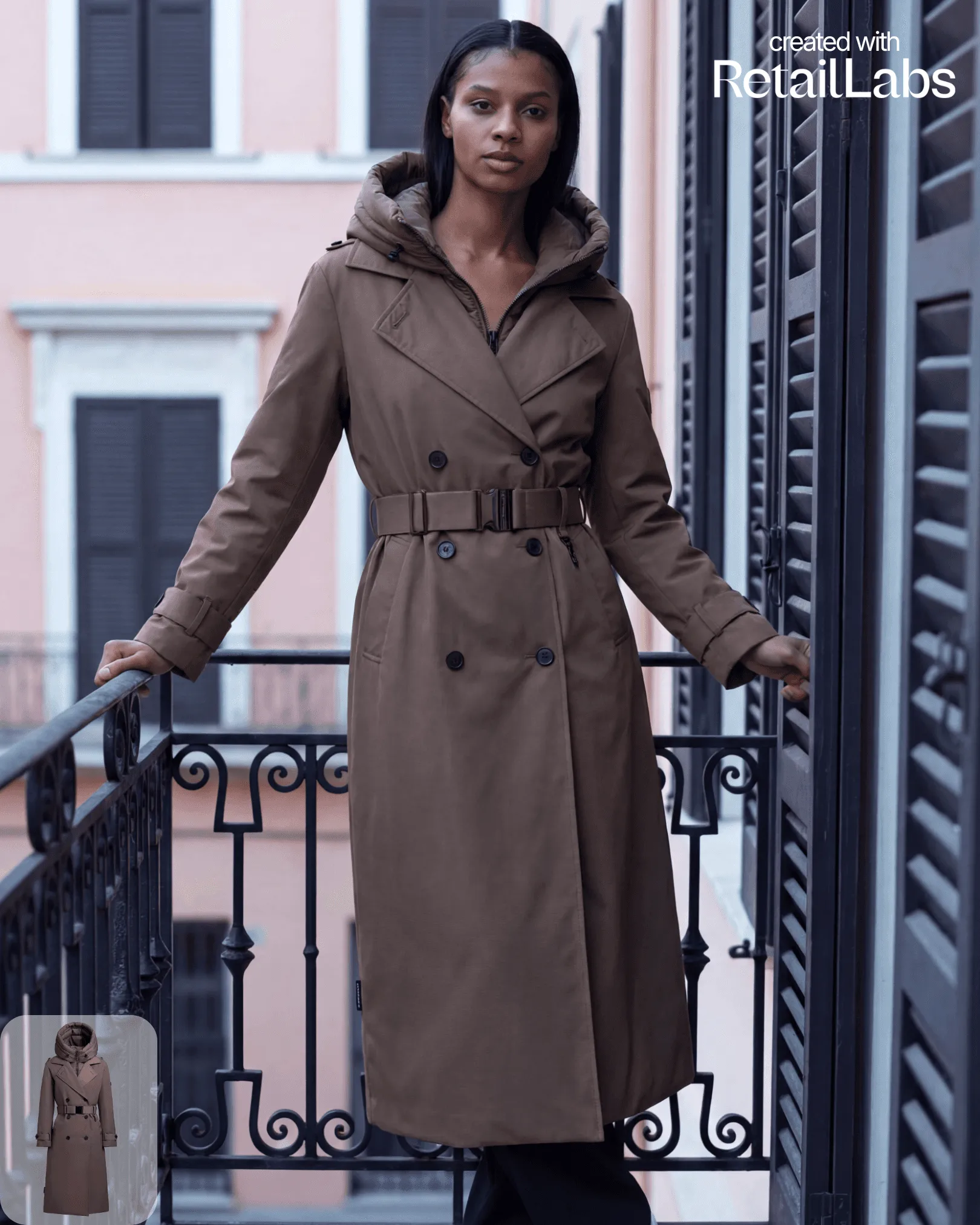
Retail Labs accepts three input types: cut-out (decoupé), ghost mannequin, and flat lay. Each is automatically detected.
Best practices
- Lighting: even, neutral lighting beats dramatic studio shots for AI input
- Background: plain or removed backgrounds give cleaner outputs
- Resolution: minimum 1024×1024 px; higher is fine but not required
- Format: JPG, PNG, or WebP
Step-by-step
- Click Generate in the top nav
- Drag and drop your product image, or click Upload
- The platform auto-detects the input type and previews the cut-out
- Adjust the cut-out manually if needed
- Continue to model + scene selection